



I’m glad to present a newly released feature, which we are the first to offer.
Meet the Bulk Restriction Checker.
I believe it could save a lot of time spent checking individual products for restrictions
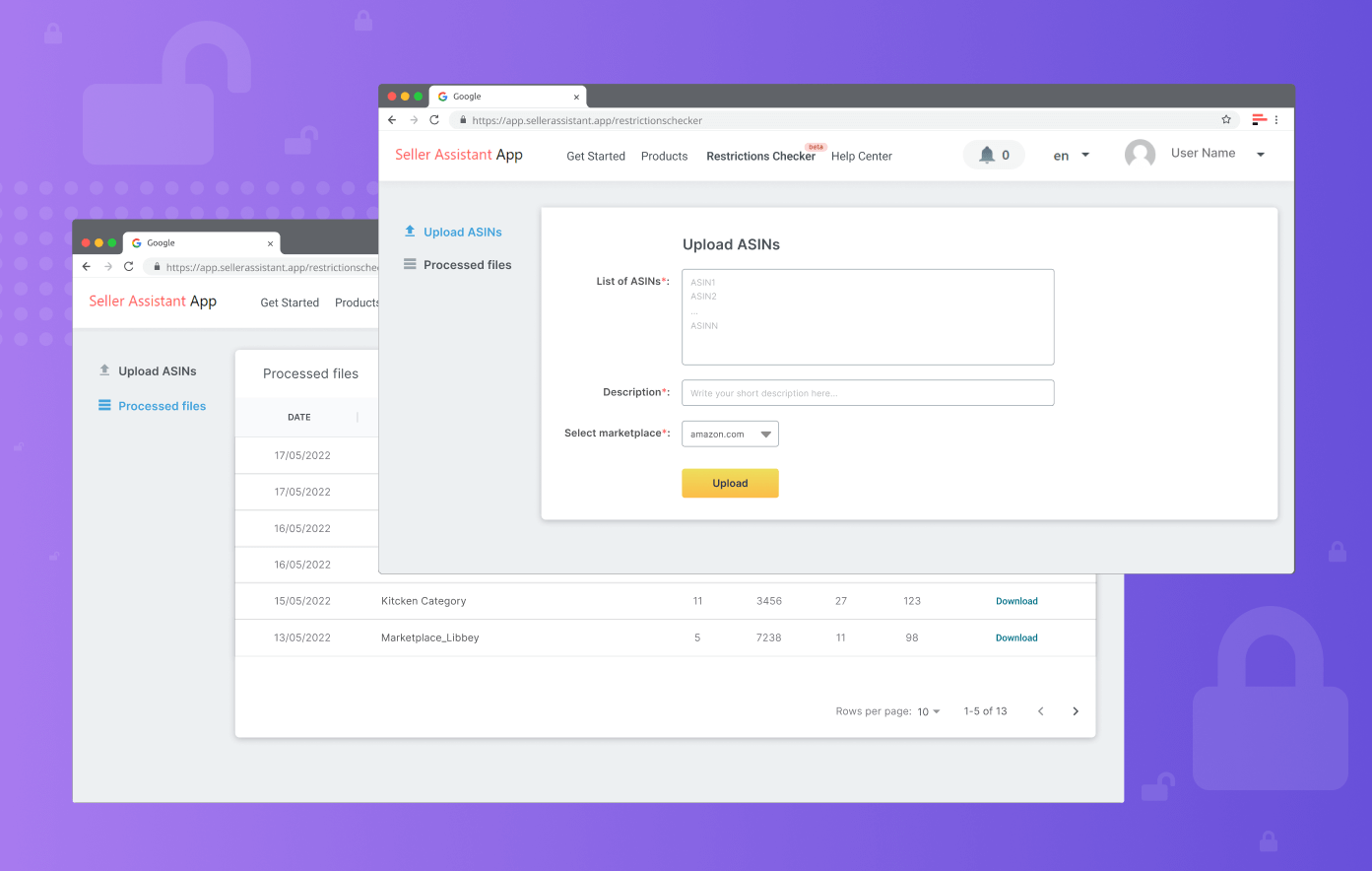
Bulk Restriction Checker
[
Start 14-Day Free Trial
](https://app.sellerassistant.app/register)
What is it?
The Bulk Restriction Checker identifies products from your ASINs list you can sell on Amazon. Save time by seeing restricted products in a list format.
To use this feature you need to connect your Amazon Seller account
How does it work?
- Open the Restrictions page in your Seller Assistant account
- Upload up to 1000 ASINs – one ASIN per row or one row of ASINs divided by commas
- Give your batch a name
- Choose the marketplace you want to check restrictions on
- Click the Upload button
- Wait until the restriction check is done
- Get the results of the restriction check in your email inbox and Seller Assistant account notification panel
- Download the restriction check report
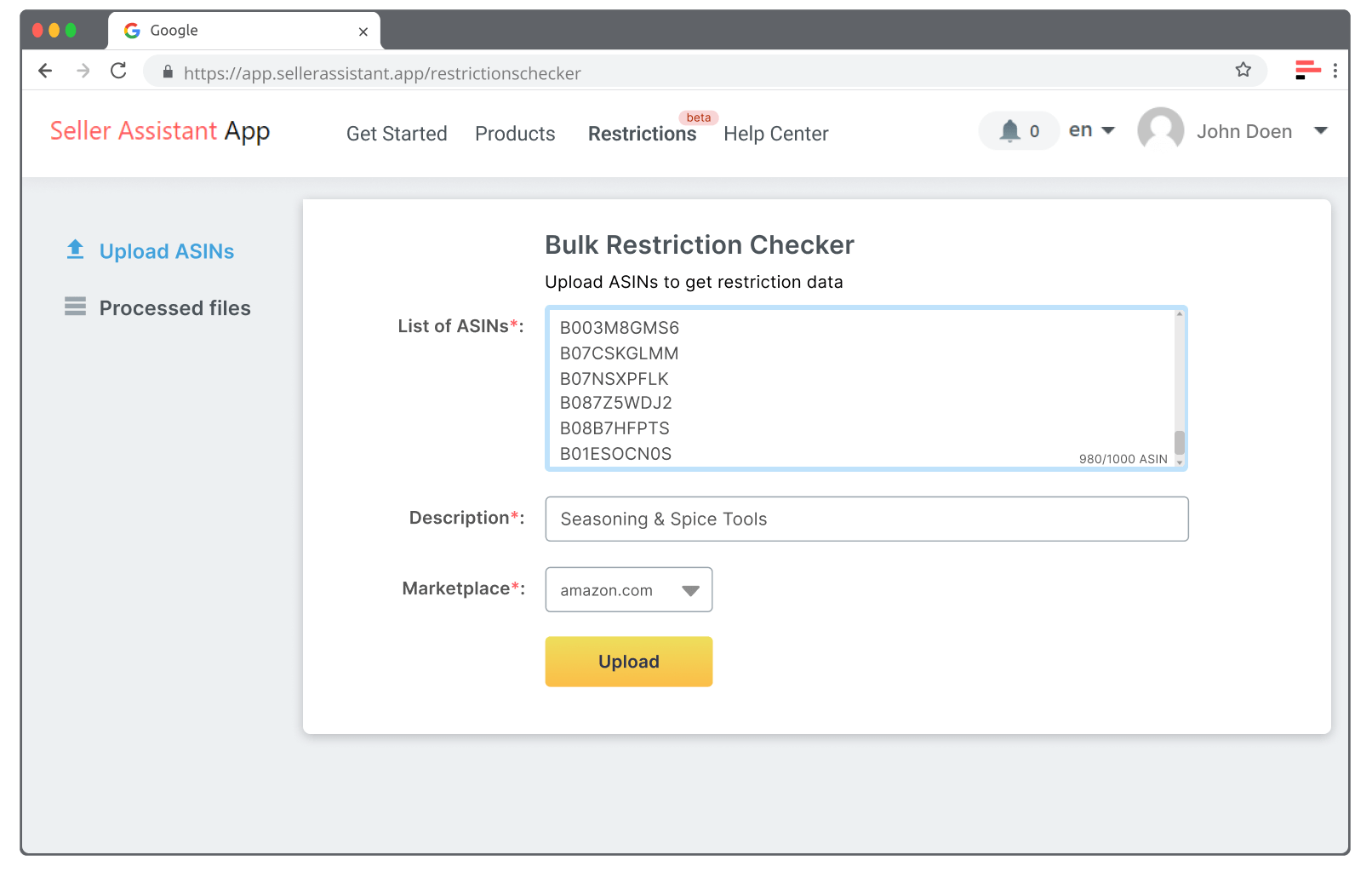
Upload ASINs
The report contains two columns:
- ASIN — Product ASIN
- Status — Restriction Check Result
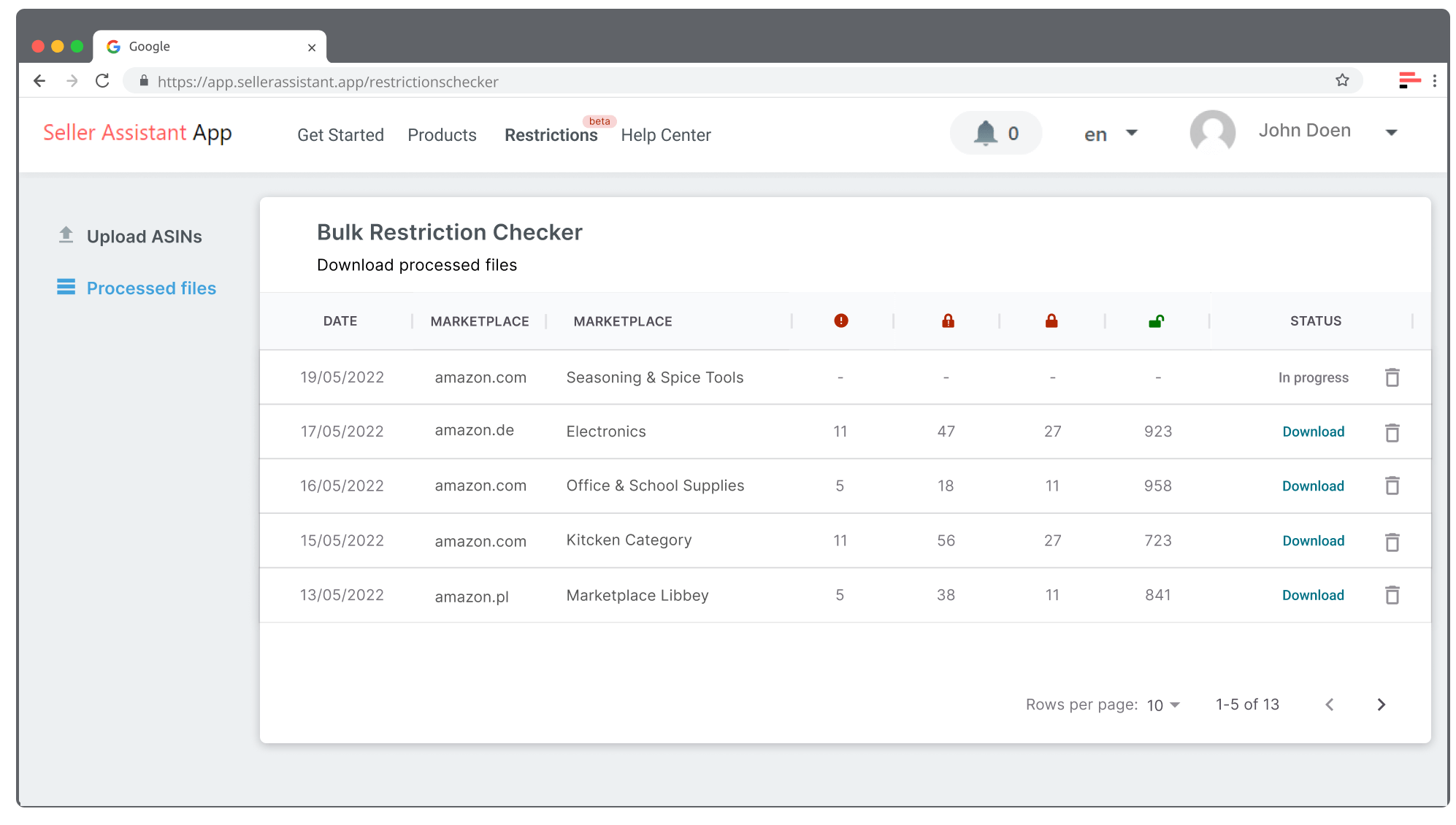
Download Bulk Restriction Checker Report
The Status could be:
- ALLOWED_TO_SELL — You can sell this product
- APPROVAL_REQUIRED — You need approval to sell this product.
- NOT_ELIGIBLE — Your account is not eligible to sell this product.
- ERROR — Product check error due to incorrect ASIN, unknown product, lack of permission, etc.
The report can be merged with your existing product table with the VLOOKUP() function in Excel or Google sheets.

