ASIN Grabber
Instantly fetch data from Amazon storefronts to research product sales, pricing, reviews, and other data and select what to sell.
Get Started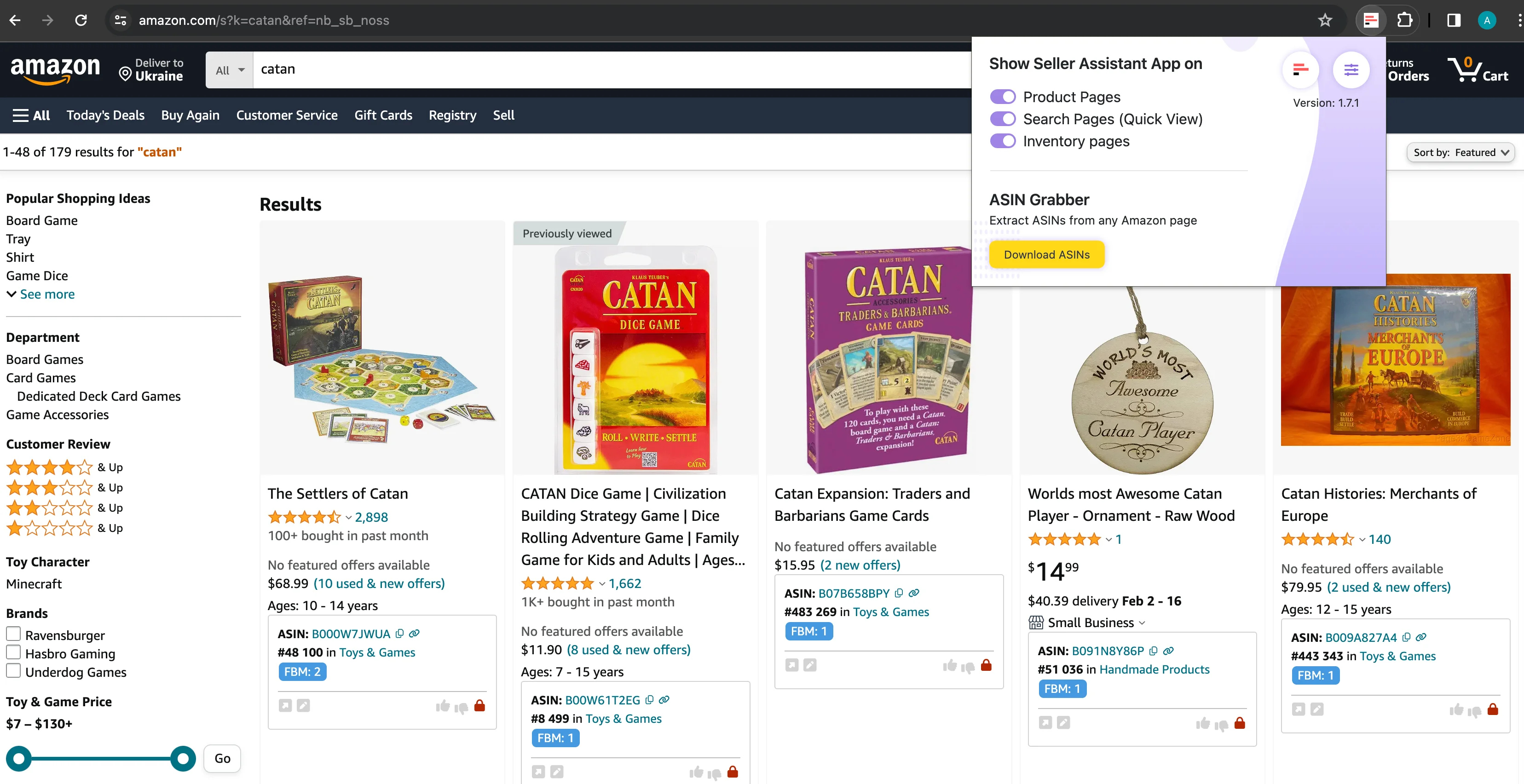

Try it on your own Amazon data.
ASIN Grabber Review
In this video, we'll show you how to use ASIN Grabber by Seller Assistant.
- ✓ What does ASIN Grabber do?
- ✓ How to use ASIN Grabber?
- ✓ What data does ASIN Grabber grab?
Simplify storefront stalking
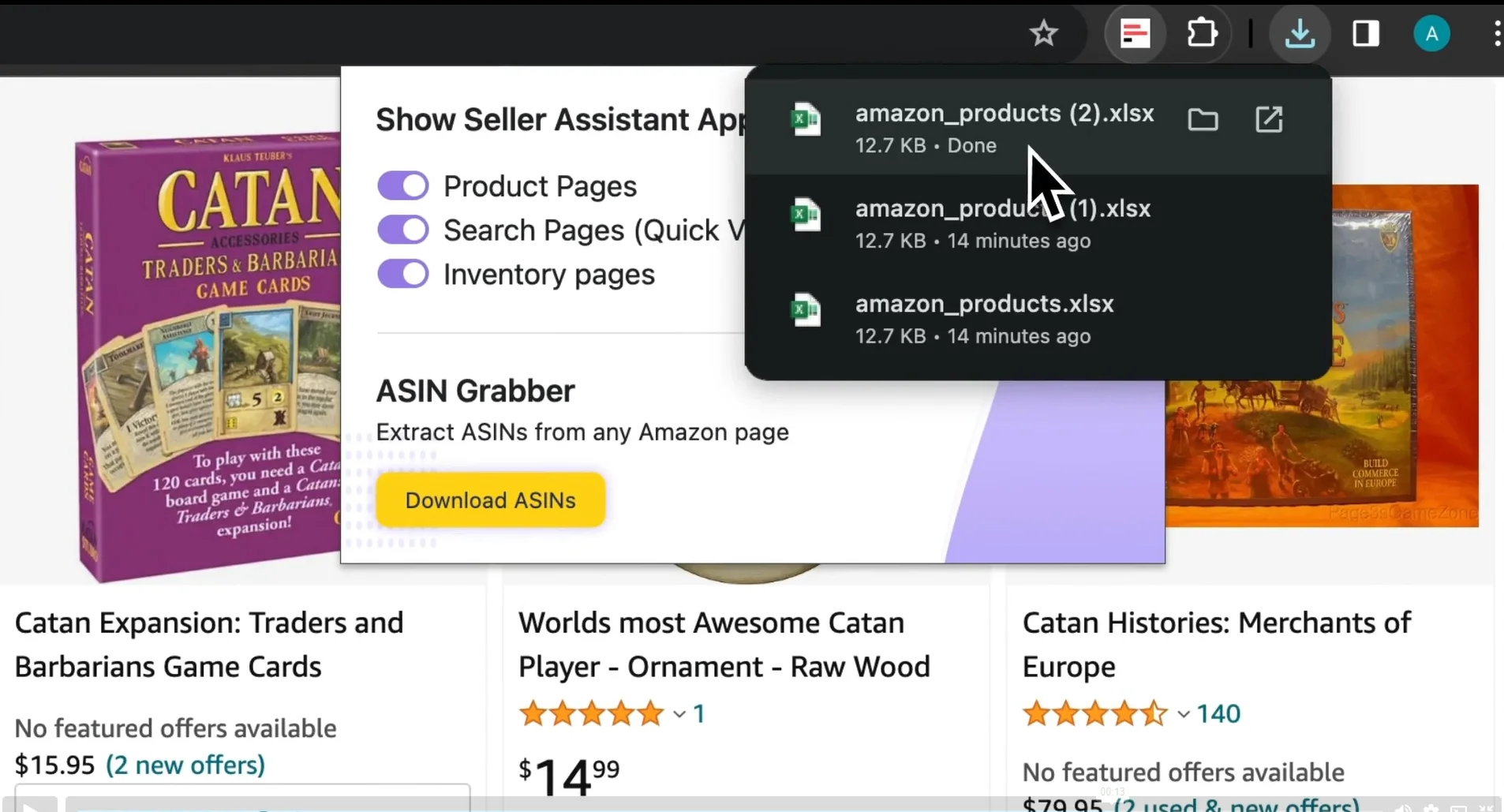
Automate grabbing product information from competitor Amazon storefronts. Export all ASIN details instantly for quick product research.
Scrape niche best-sellers
Identify top-selling products in specific categories and niches by analyzing their BSR and rating. Spot best-sellers with low BSR and a 4 to 5-star rating.
Grab data to check restrictions in bulk
Use ASIN Grabber in combination with Seller Assistant's Bulk Restriction Checker. Fetch product data from Amazon search pages and check restrictions in bulk.
Fetch real-time data
Collect all ASIN data instantly to do research in real time. Export data to Google Sheets for further advanced processing and sharing with your employees or virtual assistants.
Identify trending products
Scrape new product ideas by efficiently collecting ASINs from search results. Discover popular products and emerging trends from Amazon Hot New Releases, Best Sellers, Movers & Shakers, Top Rated, Most Wished For, and Gift Ideas.
Frequently Asked Questions
Visit Help CenterWhat is ASIN Grabber?
How do I use ASIN Grabber?
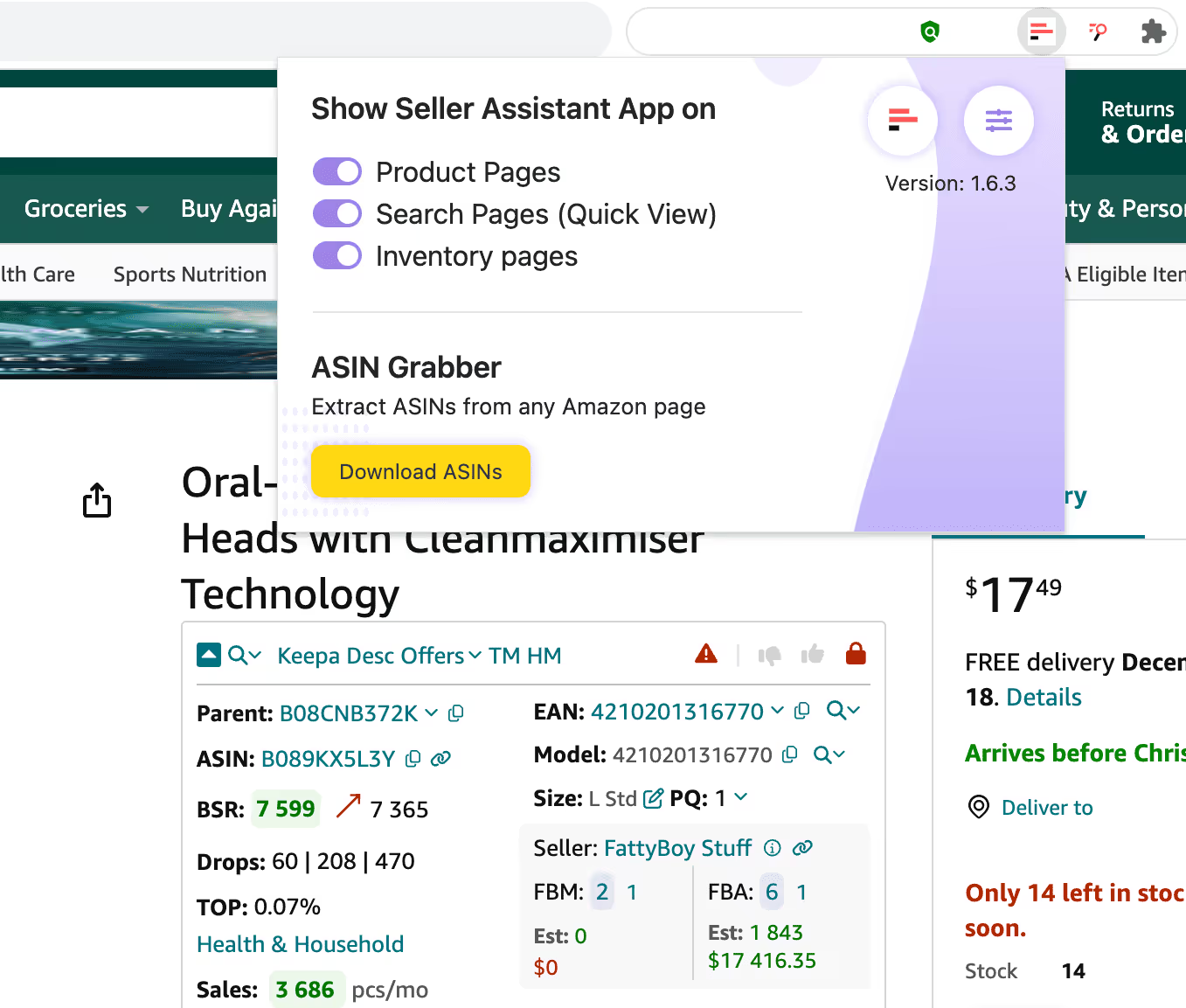
2. Upon activation, users can click the yellow "Download ASINs" button to extract information about products from the respective Amazon page.
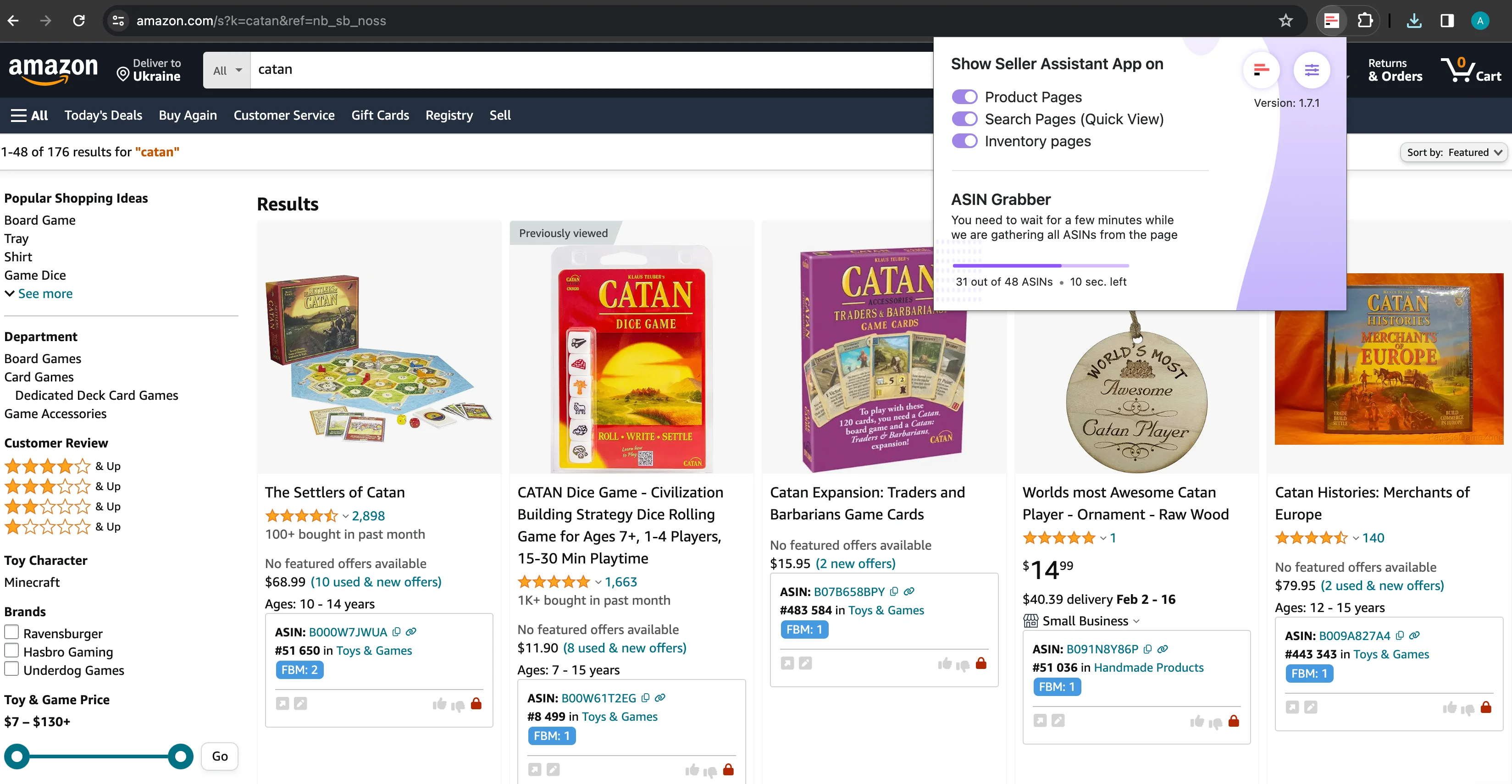
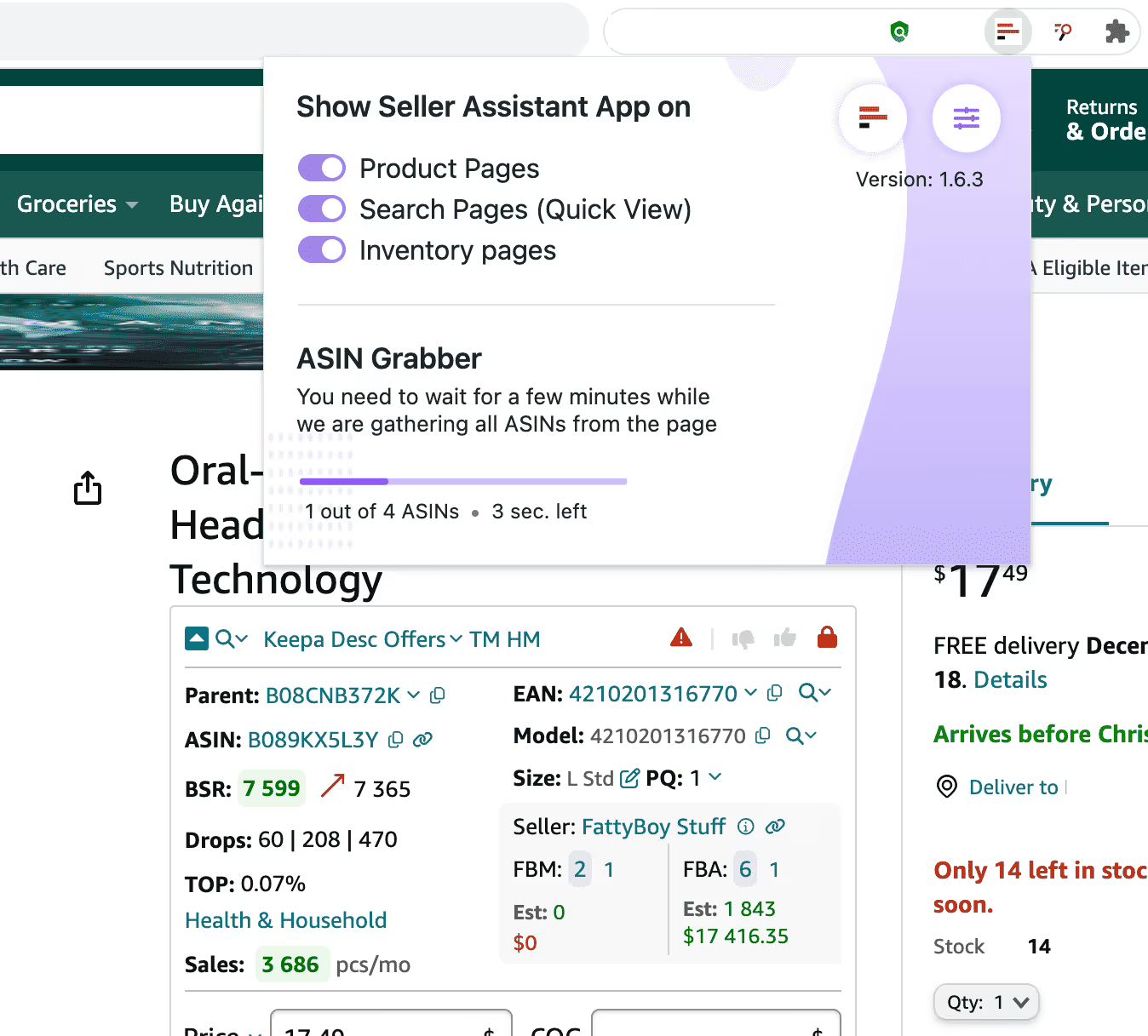
3. During the ASIN download process, the progress bar displays the status of the ASINs being retrieved.
Why do I need ASIN Grabber?
Niche Identification: Helps identify products within specific market niches.
With Bulk Restriction Checker: Assists in swiftly checking restrictions on selling particular products.
Integration with Google Sheets: Seamlessly exports data for further analysis.
What are the ASIN Grabber results?
Can I use this tool if I'm new to selling on Amazon?
How quickly will I receive the results?
Is there a limit to the number of ASINs gathered?
How do I get started with ASIN Grabber on Seller Assistant?
Scrape data from any Amazon page
Collect details from Amazon search and product pages, and seller storefronts. Automate data collection to reduce the risk of human error and ensure consistent data quality.
Get StartedNot sure which plan fits your sourcing workflow? Chat with our team — we're happy to help.