Seller Assistant vs BQool
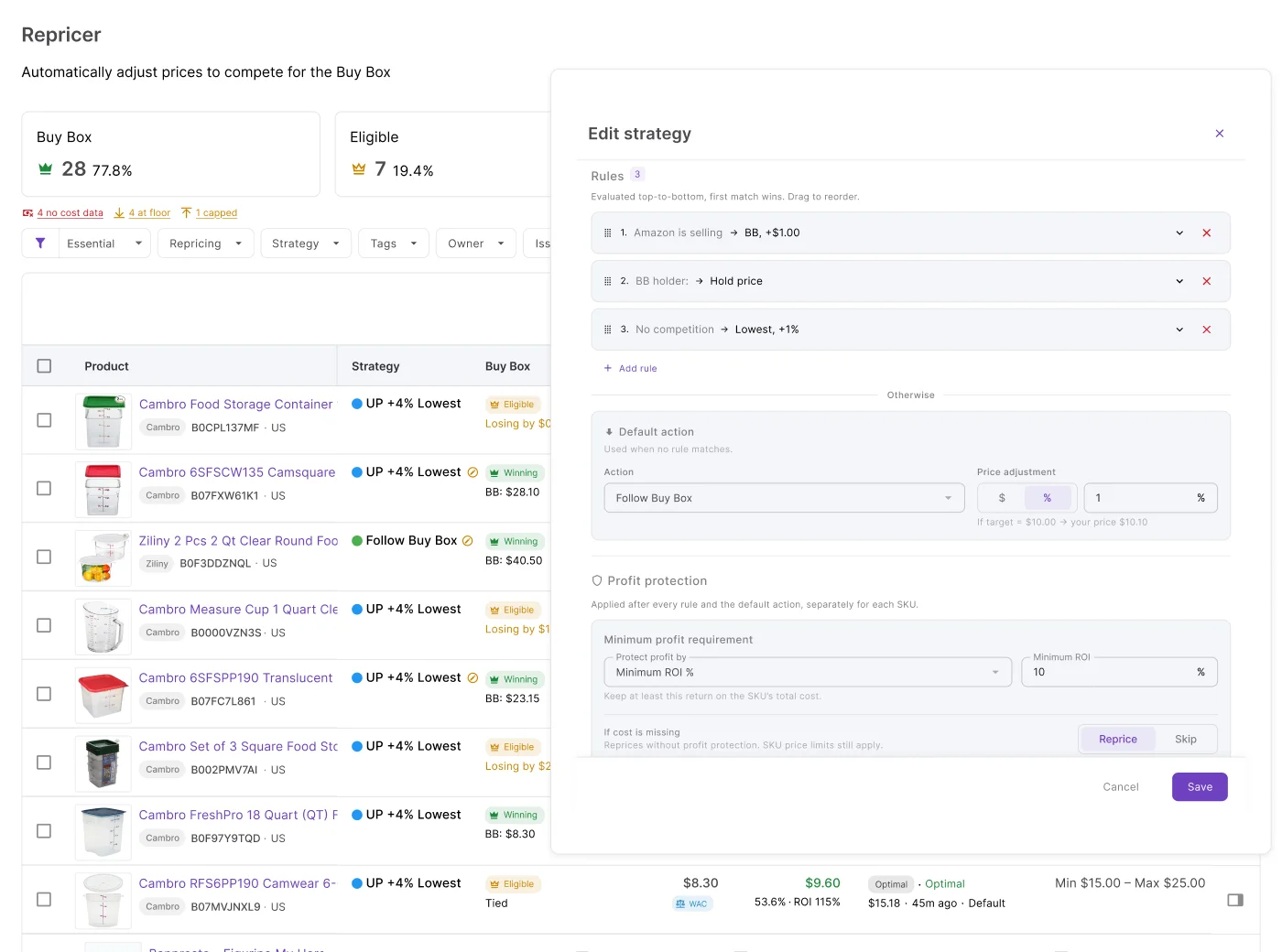
BQool packs deep rule sequencing and AI aggressiveness levels. Seller Assistant offers strategies you can read, priced from your orders.
Which one fits your workflow?
Choose Seller Assistant if you want one strategy you fully understand
Start from a ready template, see every rule inside it on one screen, and know what will happen before it does.
- Full decision history with the matched rule behind every reprice
- Price floors built from your orders, updated automatically
- Ready-made strategy templates, live in minutes
See where each tool wins
BQool hands you a rule engine to configure. Seller Assistant shows you the reasoning and the real costs behind it.


Full history with the matched rule & market snapshot on every reprice
Repricing history with lighter reasoning
From your own POs & shipments, auto-updated
Min/max you enter; caps on single price drops
Rule-based strategy templates
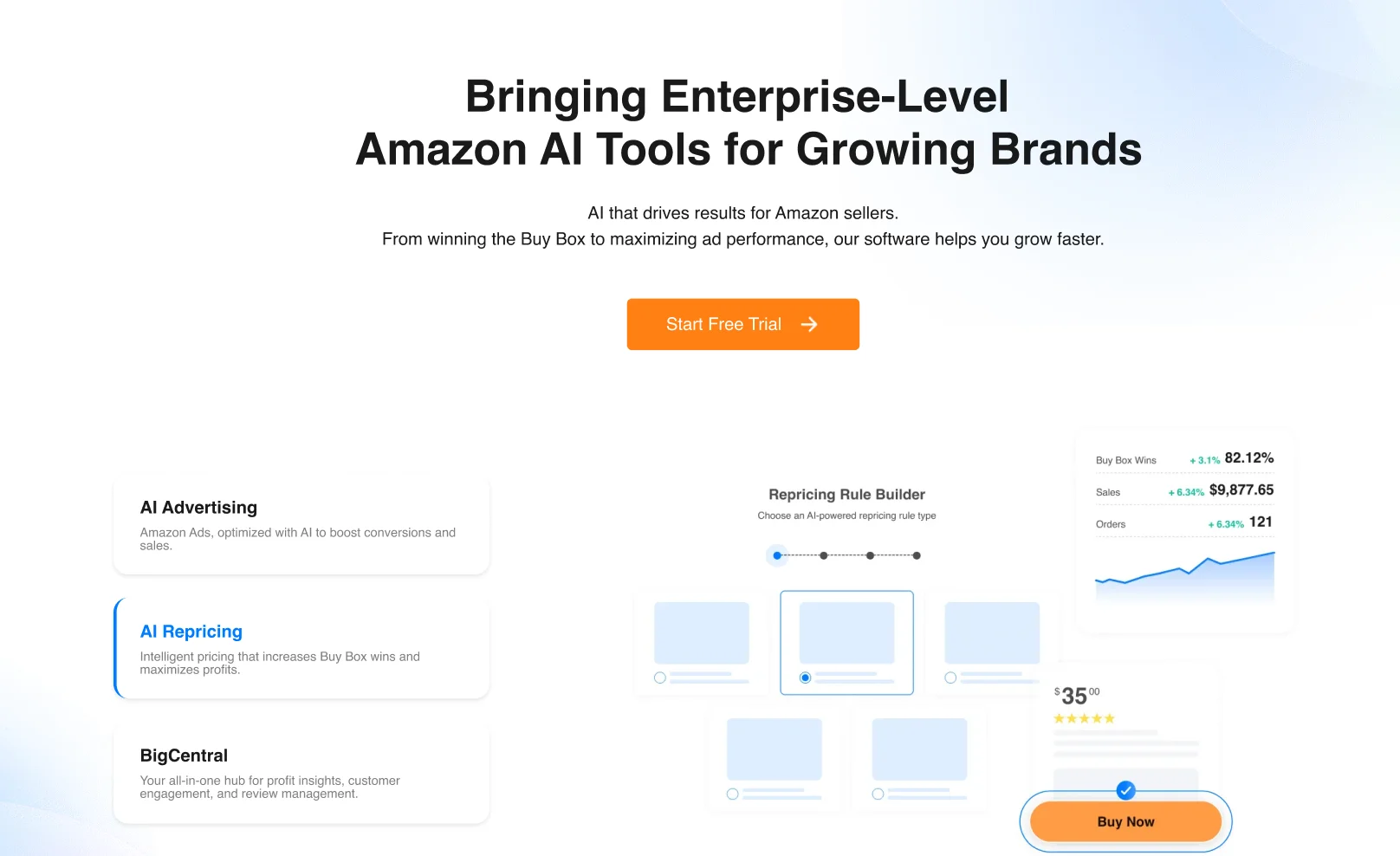
AI rules, 5 aggressiveness levels
If-this-then-that rules, incl. time of day & day of week
Deep rule builder, 6 built-in scenarios
Manual or bulk
Switches rules by inventory age & sales speed
Event-driven, seconds, whole catalog, no premium tier needed
Reprices the moment Amazon notifies
Amazon
Amazon, 9 marketplaces
Research → PO → listing → repricing
Repricer + own analytics suite
Ready templates, live in minutes
Powerful, more to configure
Three differences that actually matter
More settings aren't the same as more confidence in what will happen.

A strategy you can read in one screen
BQool's rule builder is genuinely deep — six scenarios, five aggressiveness levels, inventory-age triggers. Seller Assistant starts you on a named template like Smart FBA or Protect Profit, with every rule inside it visible at once.
Your price floor never goes stale
BQool's min/max comes from a cost you enter and a cap on drop size. Seller Assistant computes the floor from your real landed cost — synced automatically from Purchase Orders and FBA Shipments — so a supplier increase updates it without you touching the product.

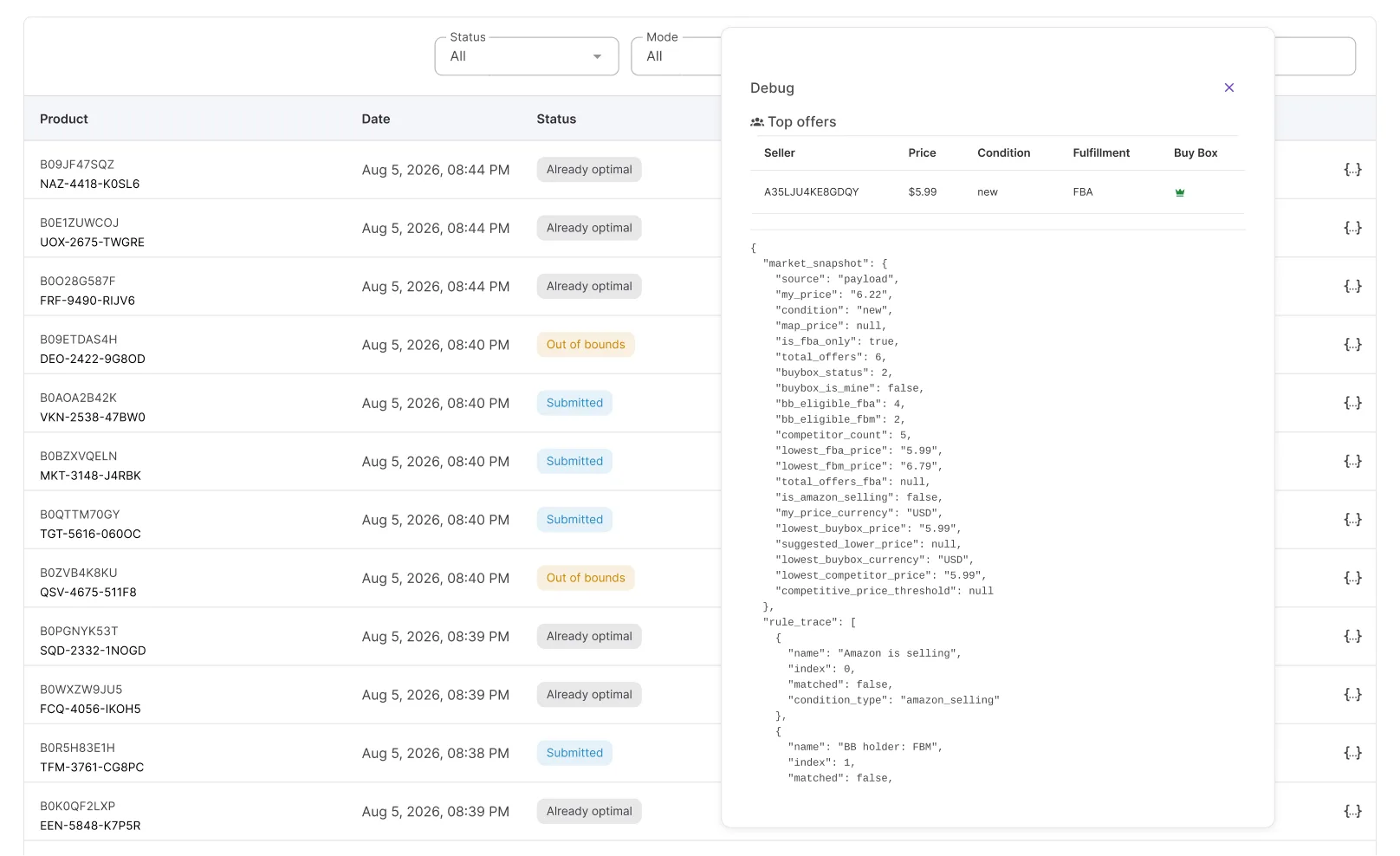
"Why didn't my price change?" has an answer
Seller Assistant logs the matched rule and market snapshot behind every reprice — and every case where a product was deliberately left alone.
Switching from BQool?
Your min/max prices import in bulk, and your time-based rule logic maps onto strategies you build once and can actually read.
Assign a ready-made strategy template, then adjust the rules and price limits that matter to you.
Every new purchase order updates unit costs and expenses, so the price floors feeding Repricer stay accurate.
Unit cost, prep fees, and inbound freight roll up into one landed cost that Repricer reads directly.
List products from purchase orders, then enroll them for repricing without rebuilding your catalog.
Win the Buy Box without losing sight of your margin
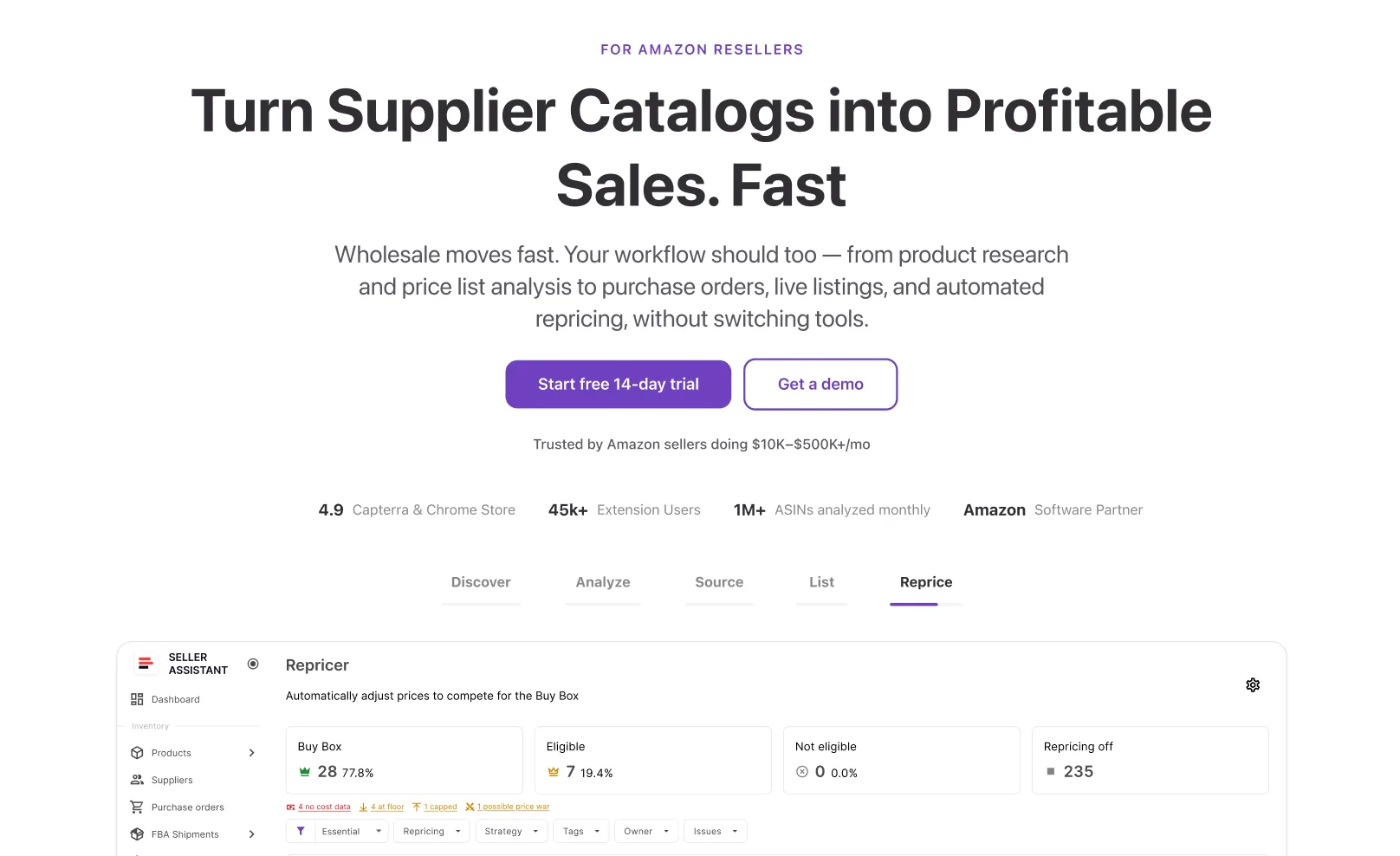
React in seconds, price from your real landed cost, and see exactly why every decision was made.
Start free 14-day trialFrequently asked questions
Visit Help CenterHow fast can I get a repricing strategy live with Seller Assistant?
How does Seller Assistant keep my price floor accurate over time?
Can I build conditional rules based on time of day or competitor count?
How many Amazon marketplaces does Repricer cover?
What happens to my BQool schedules when I switch?
Not sure which plan fits your sourcing workflow? Chat with our team — we're happy to help.