Seller Assistant vs Seller Snap
Seller Snap runs on a "trust the algorithm" AI engine. Seller Assistant's Repricer gives you the same speed with a rule you can read and a floor tied to your real costs.
Which one fits your workflow?
Choose Seller Assistant if you want to verify every decision, not just trust it
See the matched rule behind every reprice and a floor that updates from your real landed cost automatically.
- Full decision history with the matched rule & market snapshot
- Price floors from your real landed cost, updated automatically
- Ready-made strategy templates, live in minutes
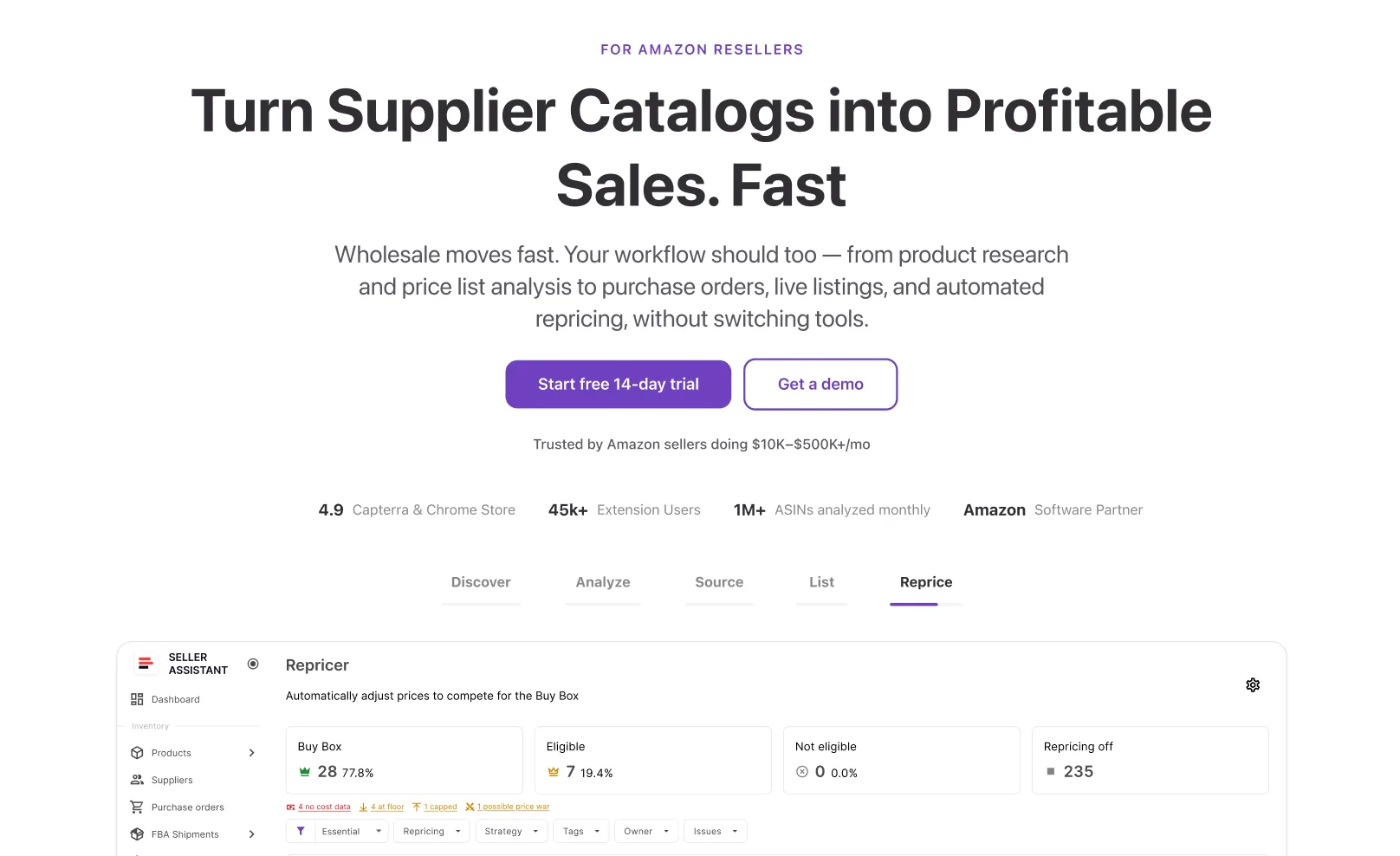
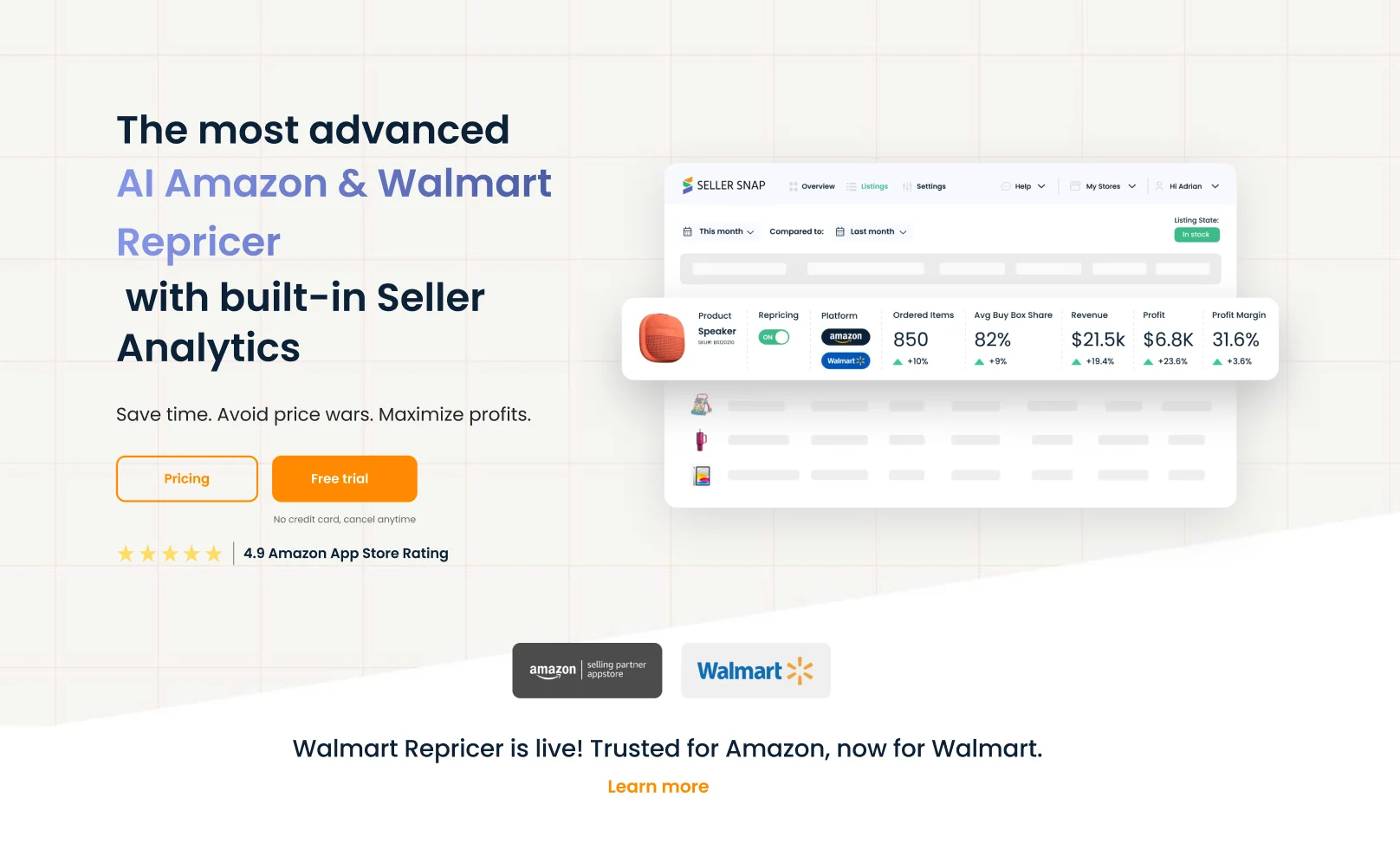
See where each tool wins
Seller Snap hands the algorithm the wheel. Seller Assistant shows you the reasoning and the real costs behind it.


Full history with matched rule & market snapshot
Analytics dashboard, decisions not explained per change
From your own POs & shipments, auto-updated
Min/max from costs you provide or push
Rule-based strategy templates
Game Theory AI, no setup needed
If-this-then-that rules, incl. time of day & day of week
Presets with ordered conditions
Event-driven, seconds, whole catalog, no premium tier needed
Reacts to Amazon notifications in real time
Amazon
Amazon + Walmart, incl. B2B
Research → PO → listing → repricing
Repricer + analytics (DataHub)
Included in platform plans
Premium, priced for larger sellers
Three differences that actually matter
An algorithm you can't check is an algorithm you have to trust blindly.
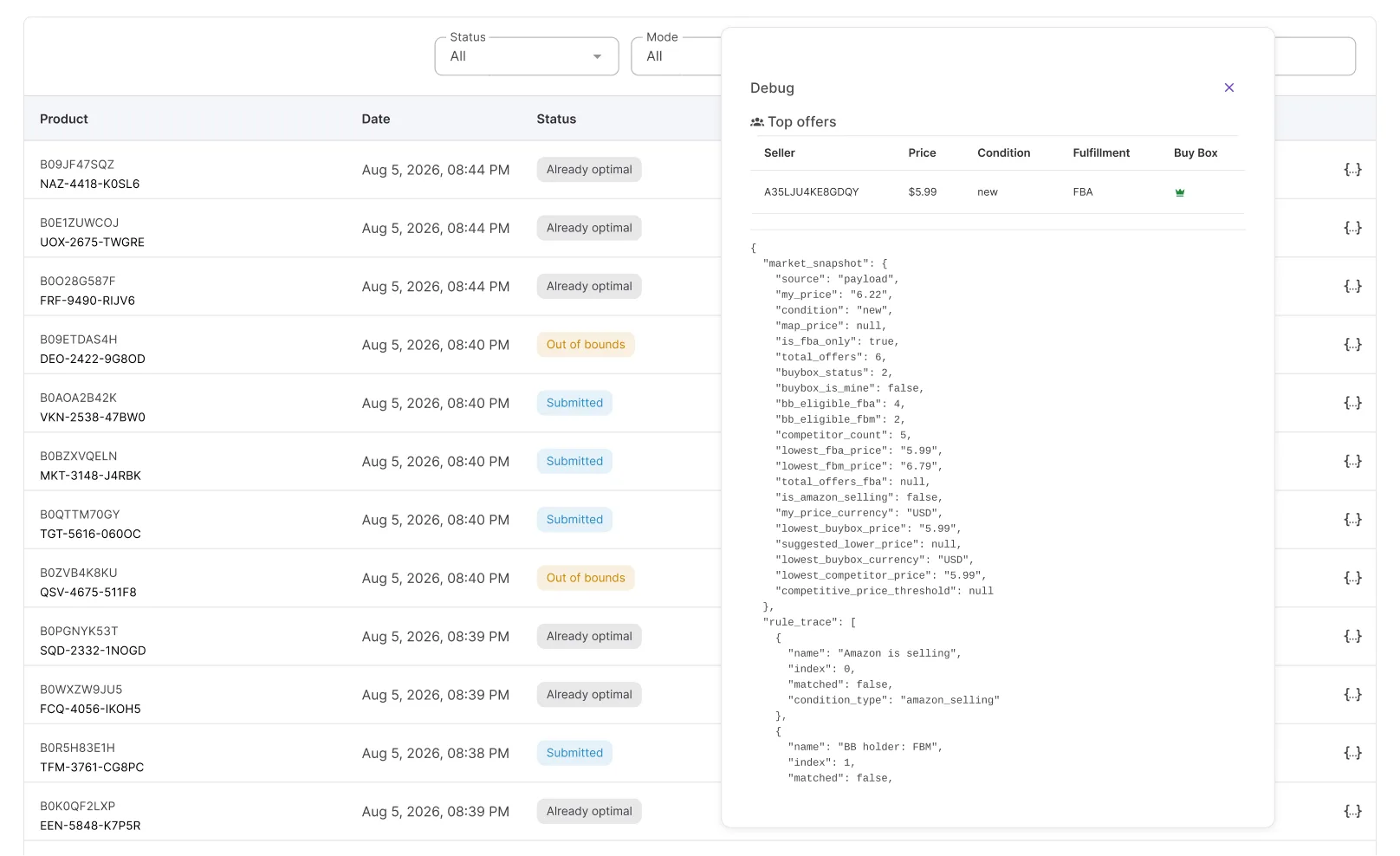
See the reasoning, not just the outcome
Seller Snap's DataHub shows outcomes; per-change reasoning is thin. Seller Assistant logs the matched rule and market snapshot behind every reprice, so you can check the logic behind any specific price.
Your floor updates the moment your costs do
Landed cost comes from your own Purchase Orders and FBA Shipments — unit cost, prep, and inbound freight — recalculating your floor automatically.

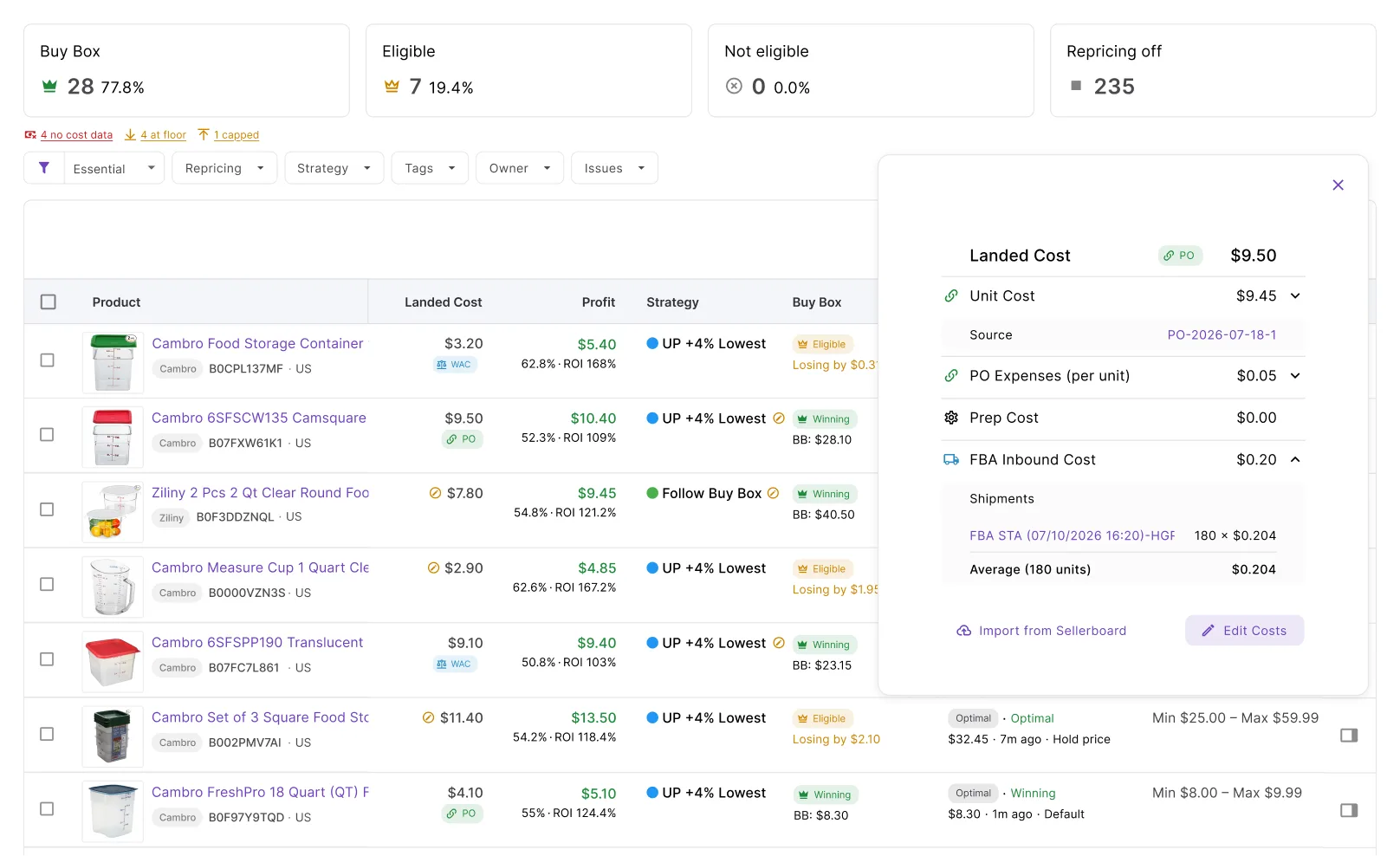
The number protecting your margin, entered once
Repricing sits on the same product record as sourcing and purchase orders, so cost data reaches your floor without moving between two systems.
Switching from Seller Snap?
Your min/max prices import in bulk, and your first week of decision history will show you exactly how each price was reached.
Assign a ready-made strategy template, then review every rule behind it before it goes live.
Every new purchase order updates unit costs and expenses, so the price floors feeding Repricer stay accurate.
Unit cost, prep fees, and inbound freight roll up into one landed cost that Repricer reads directly.
List products from purchase orders, then enroll them for repricing without rebuilding your catalog.
Win the Buy Box without losing sight of your margin
React in seconds, price from your real landed cost, and see exactly why every decision was made.
Start free 14-day trialFrequently asked questions
Visit Help CenterCan I see why Repricer set a specific price?
How does Seller Assistant calculate my price floor?
Is Repricer included in my Seller Assistant plan?
How fast does Repricer react to market changes?
What happens to my Seller Snap presets when I switch?
Not sure which plan fits your sourcing workflow? Chat with our team — we're happy to help.