Stop re-entering supplier data across tools
Keep supplier contacts, products, and supply terms in one place. Automatically apply them across price lists and purchase orders.
Get Started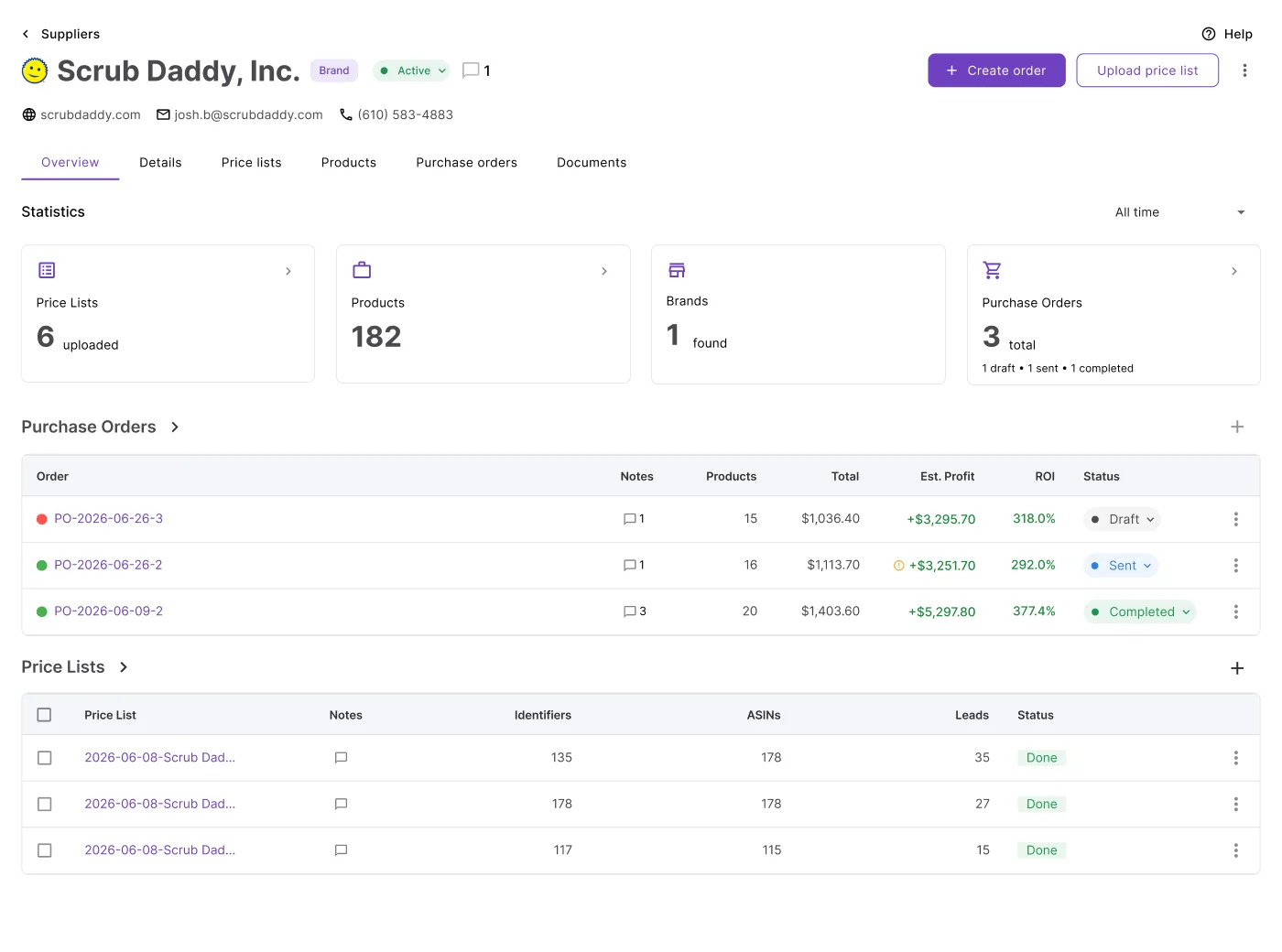
One supplier profile powers every purchasing workflow
Supplier details, pricing, and order history accumulate automatically as you work.
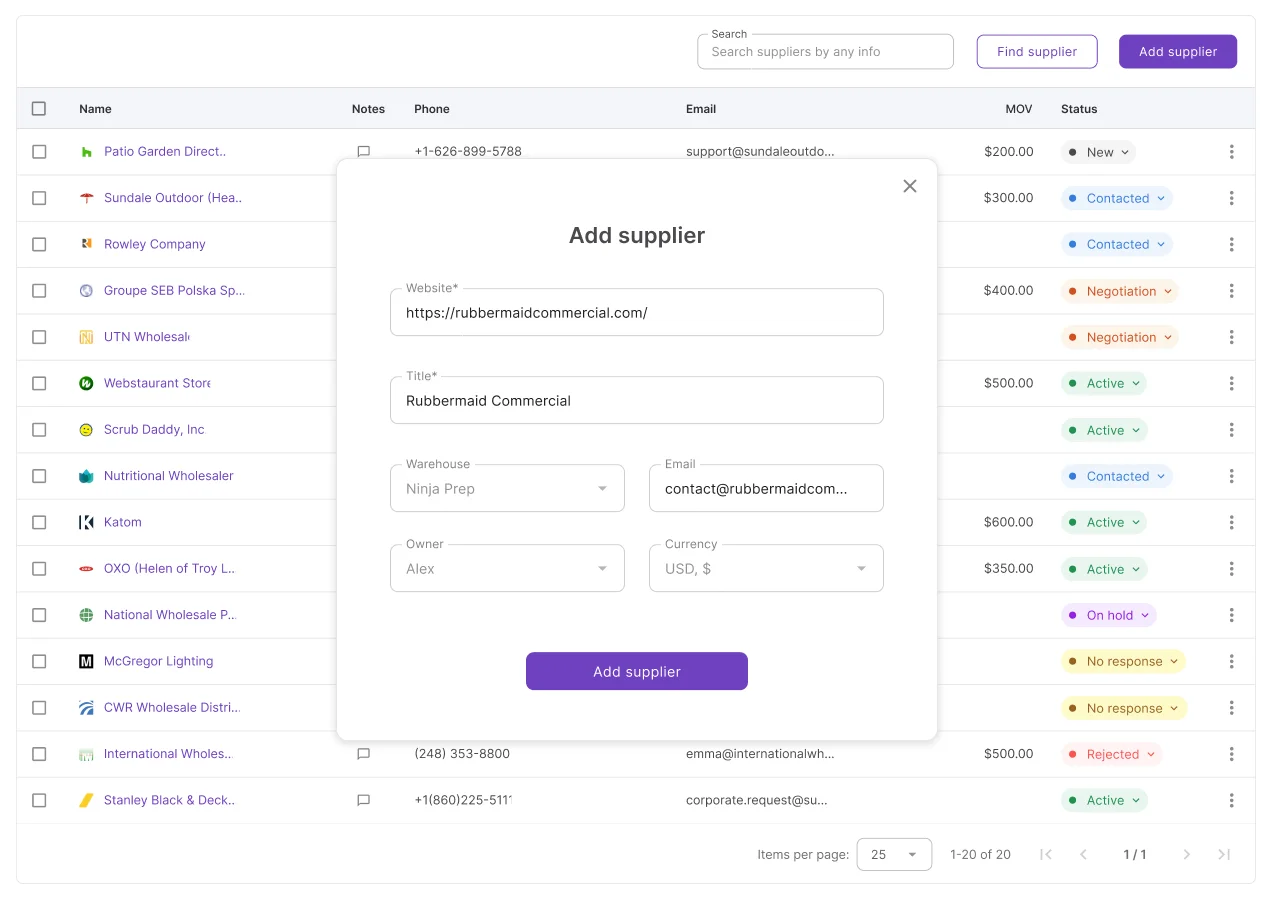
Supplier data was spread across spreadsheets, email, and memory
Supplier information already existed. The problem was re-entering it, looking it up, and sharing it every time work needed to get done.
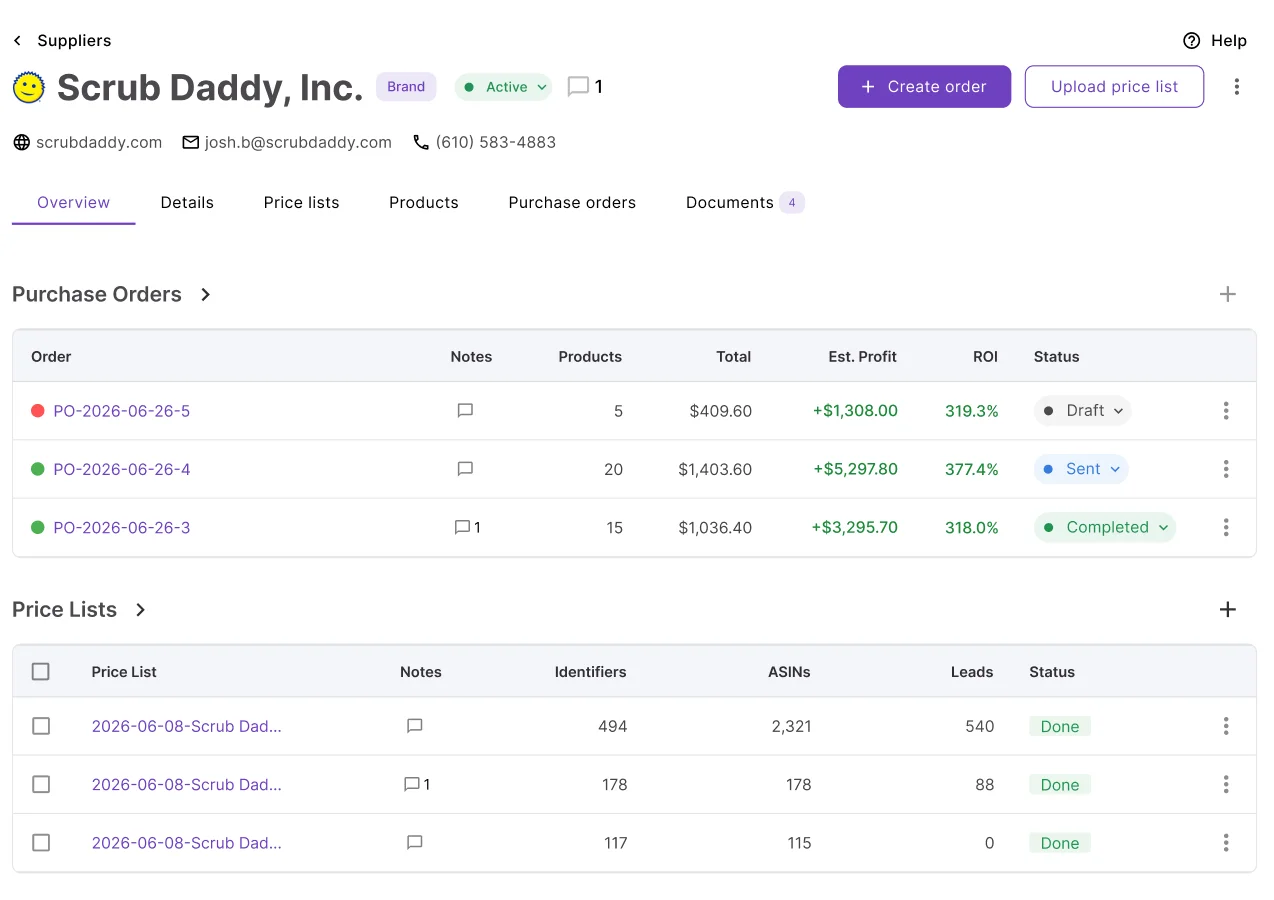
Complete supplier history in one place
See every price list, purchase order, and document for a supplier in one place. Track order history, active orders, and the products and brands they carry without switching between tools.
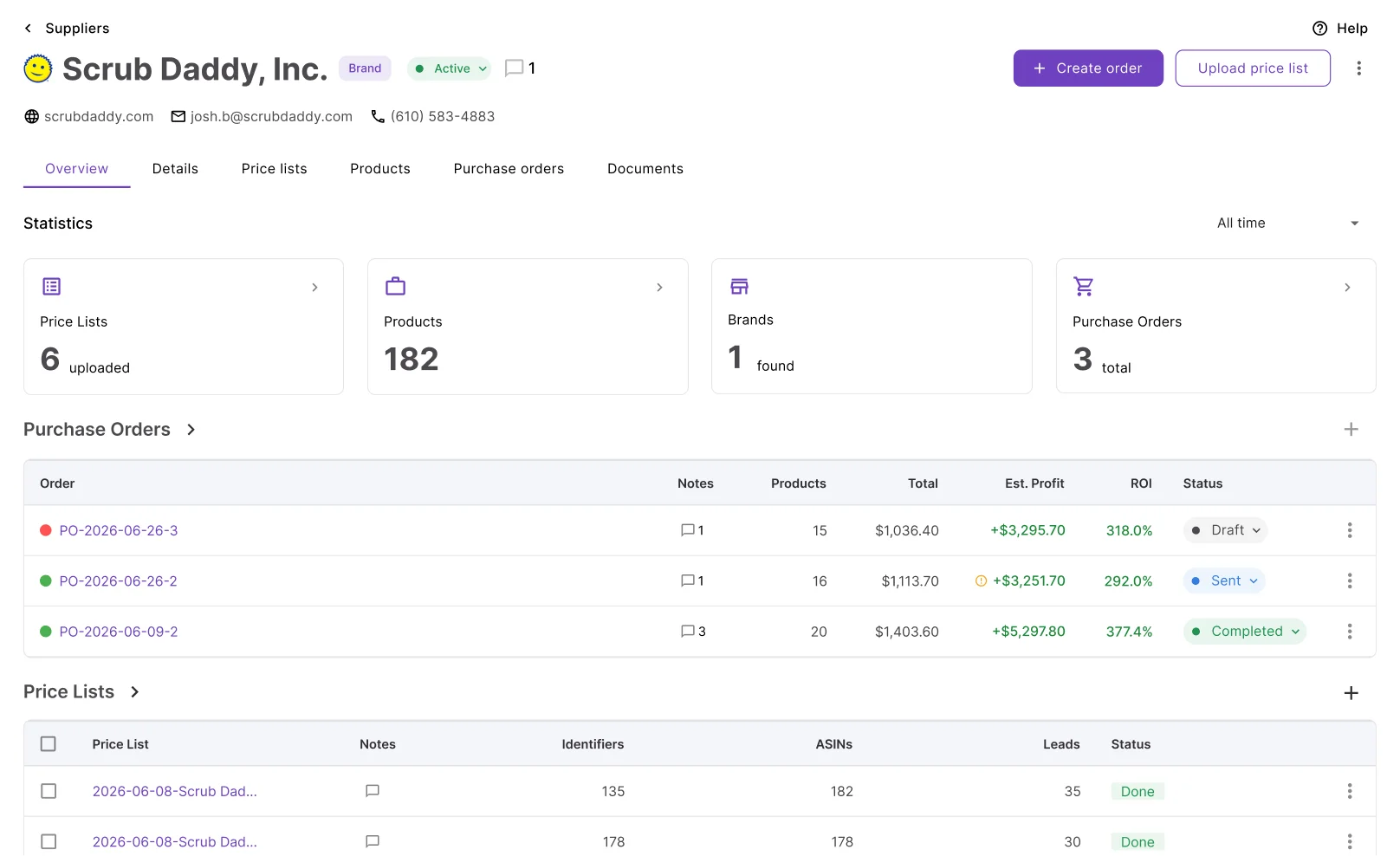
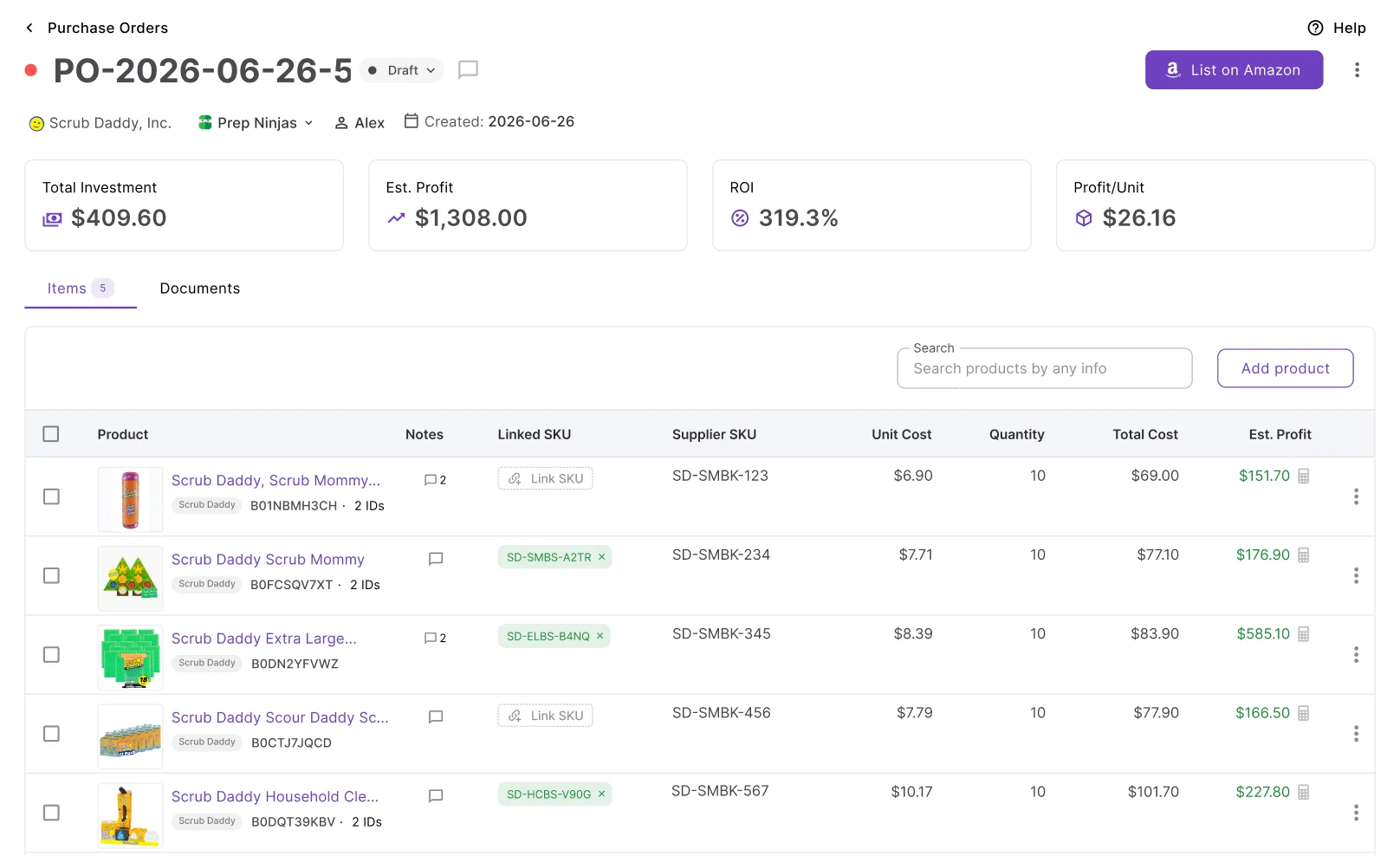
Create POs without re-entering supplier details
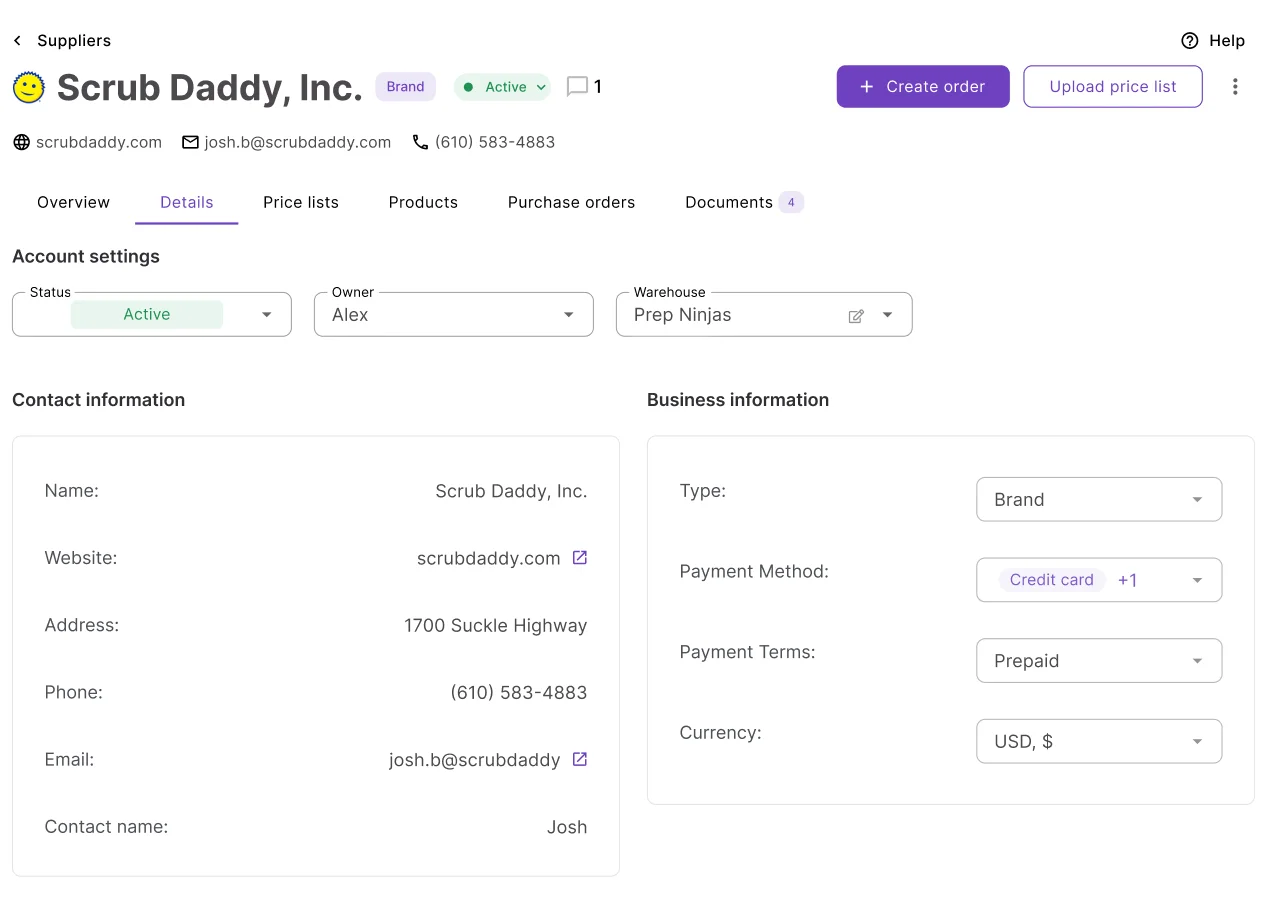
Set the ship-to address, warehouse, MOV, and free shipping threshold once on the supplier profile. Every PO you create for that supplier opens with them already filled in.
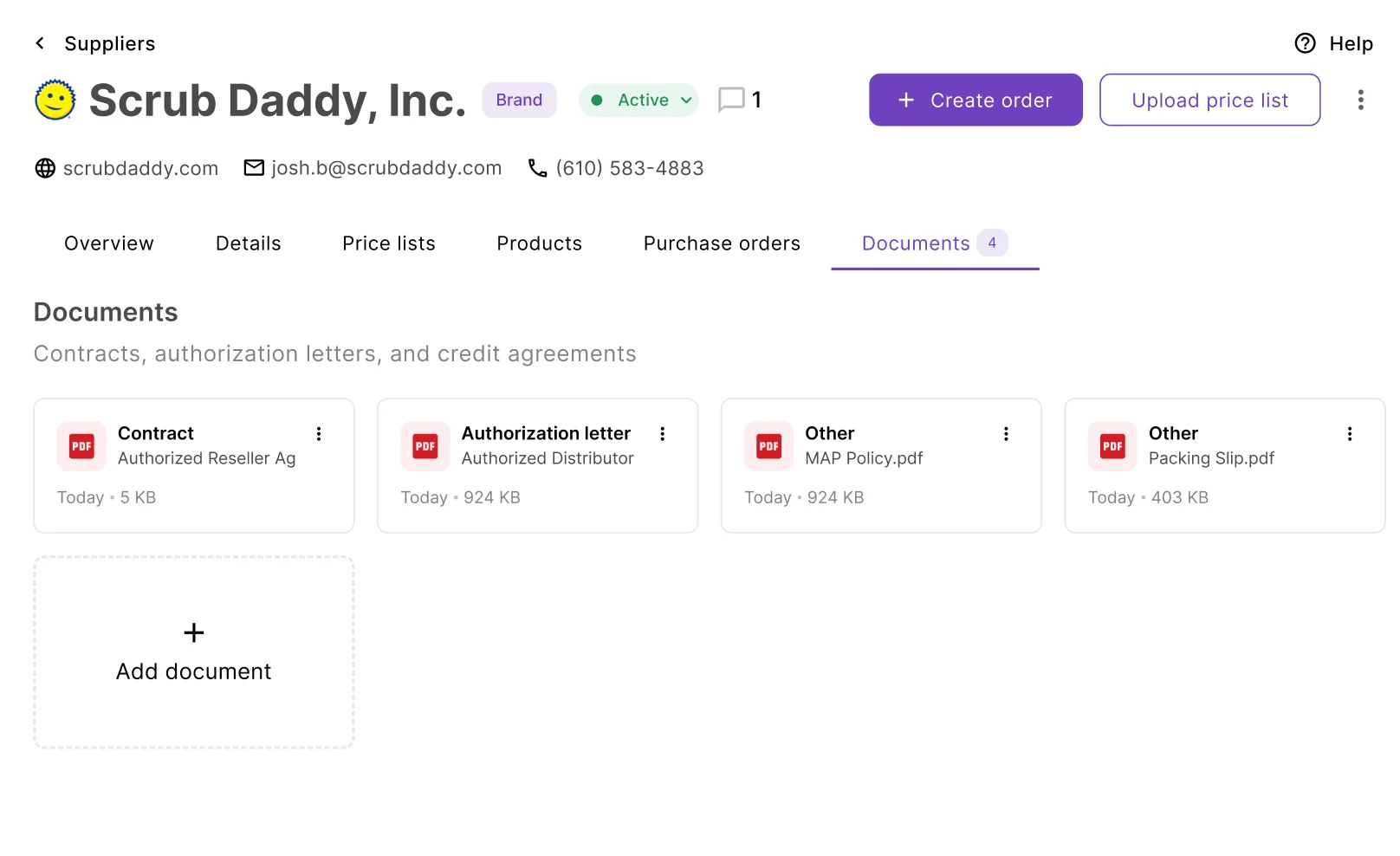
Keep documents connected to suppliers
Upload contracts, authorization letters, invoices, and any supplier-related file directly to the Supplier profile. Files are automatically classified and available for preview, download, or recategorization.
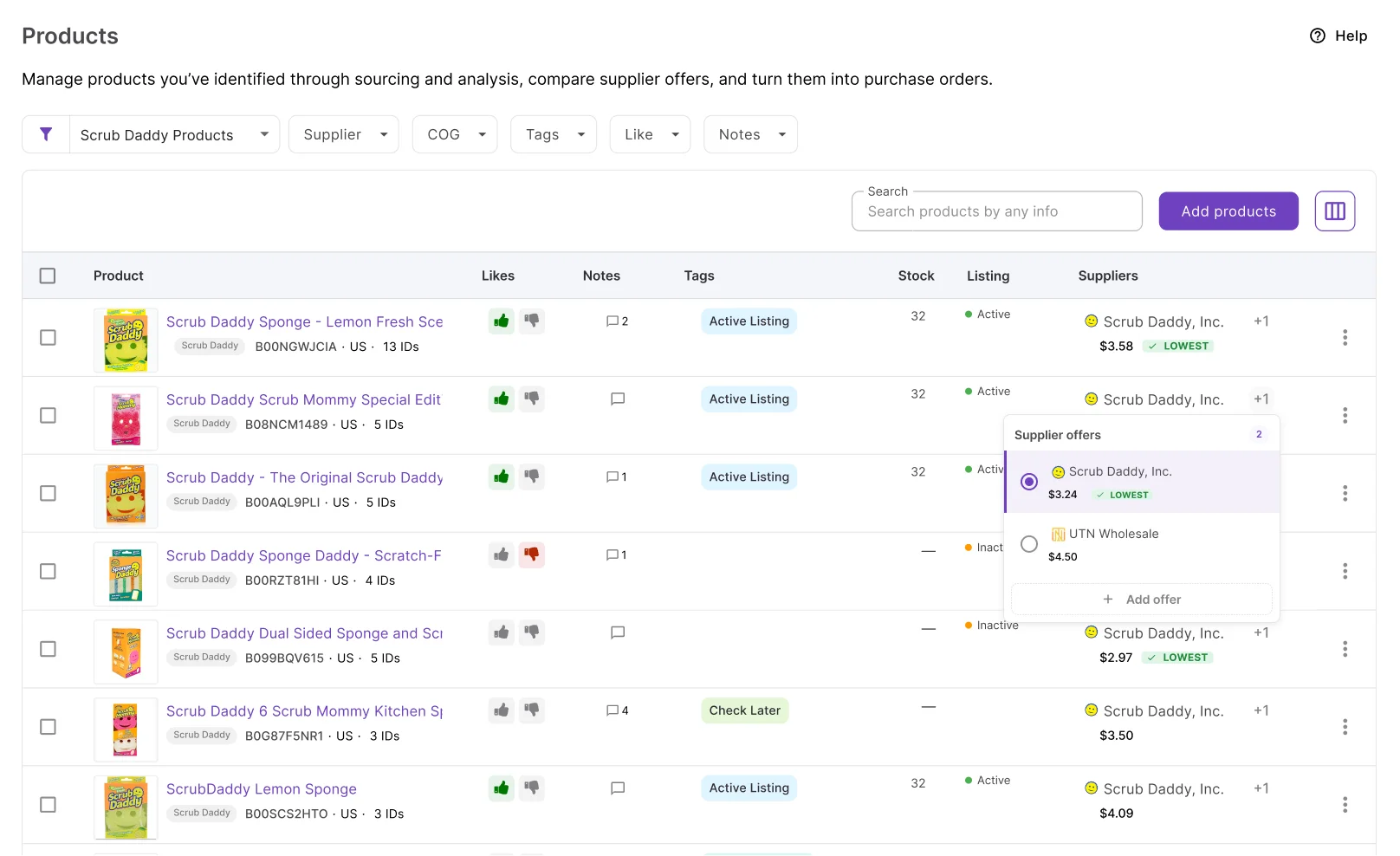
Compare supplier offers side by side
Products imported from price lists automatically create supplier offers. Every product shows all supplier prices and terms in one place, making it easy to choose the best option before ordering.
Everything needed to manage supplier relationships
Supplier profiles, terms, pricing, documents, and purchasing history.
Supplier profile
Contact details, type, payment method, and currency in one record
Supply terms
MOV, free shipping threshold, and lead time tracked as progress markers on every PO
Supplier products
Full catalog the supplier can offer with SKUs, prices, identifiers, notes, and tags
Price lists tab
All price lists from this supplier in one place. Upload new — supplier maps automatically
Purchase orders tab
All POs for this supplier with MOV and free shipping progress visible on each order
Documents
Contracts, authorization letters, and invoices attached to the profile, classified on upload
Notes
Internal notes shared across the team with full edit history tracked
Ship-to address
Receiving address set per supplier so every PO displays the correct information
Suppliers is the starting point. These tools connect to it directly
From profile setup to product in your pipeline — every step happens inside Seller Assistant.
Upload a price list directly from the supplier profile. Supplier maps automatically.
Create a PO from the supplier profile. Address, warehouse, and supply terms apply without manual entry.
Products added from a price list create supplier offers stored on both the profile and in your database.
When a brand you carry is analyzed, your supplier connections surface automatically in the Suppliers tab.
Supplier management is one step in the sourcing process
Connect supplier discovery, purchasing, and inventory tracking in one workflow.
Find new suppliers by brand or ASIN and save them directly to your database.
AnalyzeSet a default warehouse on the supplier profile. Every PO routes to the right prep center.
SourceLanded costs from purchase orders carry through to SKUs after dispatch.
ListTrack inbound shipments for every order placed with this supplier.
ListFrequently Asked Questions
Visit Help CenterHow do I add a supplier in Seller Assistant?
How does the supplier profile connect to Purchase Orders?
What are supplier offers and how are they created?
Can my team access, manage, and use the supplier profile?
Can I attach documents to a supplier profile?
How do I track supplier relationships over time?
Ready to turn supplier information into purchasing workflows?
Set up your supplier profiles once. Every PO, price list, and product offer connects automatically.
Get StartedNot sure which plan fits your sourcing workflow? Chat with our team — we're happy to help.