


If you’re an Amazon seller, you already know the deal: no reviews, no sales. Whether you’re launching a new product or trying to outpace competitors, reviews are the social proof engine that drives rankings, conversions, and trust.
But here’s the catch – getting reviews is harder than ever, especially with Amazon’s strict policies and crackdowns on anything remotely sketchy. The old tactics? They don’t just fail – they can get your account suspended.
That’s why we’ve created this post. You’ll find only real, proven, and policy-compliant strategies that are actually working for sellers today. From Vine to inserts, influencers to automation, this isn’t fluff – it’s your roadmap to building steady review momentum.
Why Amazon Reviews Matter
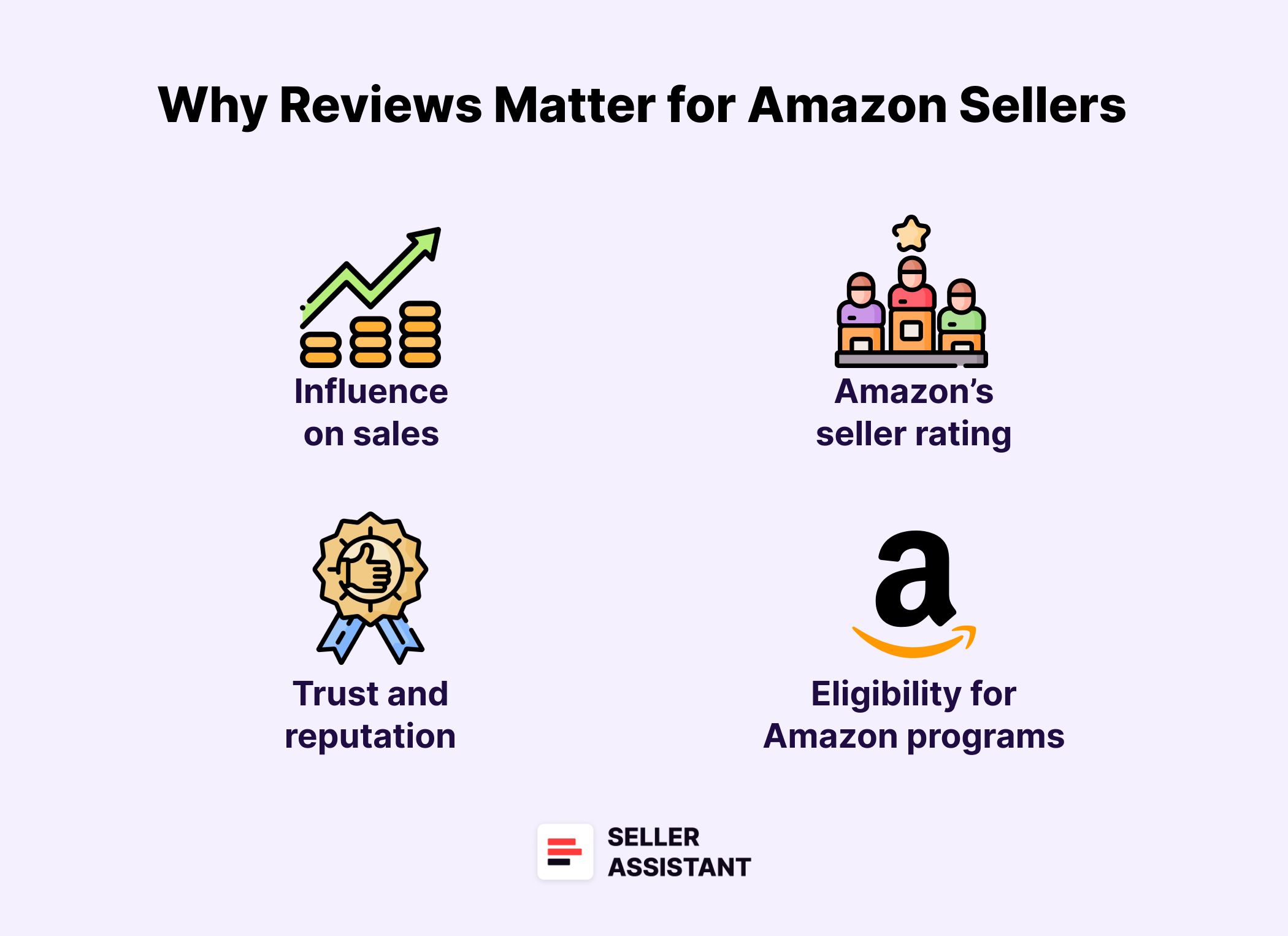
Still wondering if reviews are really that important? Here’s the truth: your Amazon sales significantly depends on them. From how your product ranks in search to whether someone clicks “Buy Now” or scrolls past, reviews play a massive role in every step of the customer journey.
Why Amazon Reviews Matter
Related: How to Sell on Amazon for Beginners - Complete Guide
Building Reputation for Amazon Store — Everything Sellers Need to Know
How to Collect Seller Feedback
They control your visibility
Amazon’s algorithm (A10) rewards listings with a healthy volume of good reviews. More reviews mean better rankings, which puts your product in front of more potential buyers.
They drive conversions
Shoppers trust reviews more than anything you say in your listing. Without them, your product feels risky – and risky doesn’t sell.
They build trust instantly
A single thoughtful review can do more than an entire marketing campaign. When people see that others have had a good experience, they feel safe buying from you too.
They create a snowball effect
The more reviews you get, the easier it becomes to get even more. Social proof creates confidence, and confidence leads to purchases – and new reviews.
They impact your account health
Amazon tracks how you get reviews. If you violate its Customer Product Reviews Policy – even once – it can hurt your account health and trigger warnings, restrictions, or even suspensions.
Related: Amazon Business Models Guide 2025
10 Reasons Why People Fail With Amazon FBA Online Arbitrage
Top Amazon Seller Analytics Tools
What Not to Do to Get Reviews
Thinking of playing with Amazon’s review system? Don’t. Amazon has a zero-tolerance policy for any attempt to manipulate reviews – and the consequences are brutal: account suspensions, permanent bans, even legal action. What’s worse, many sellers break the rules without even realizing it.
Here’s what you absolutely must avoid if you want to stay in business.
What Not to Do to Get Reviews
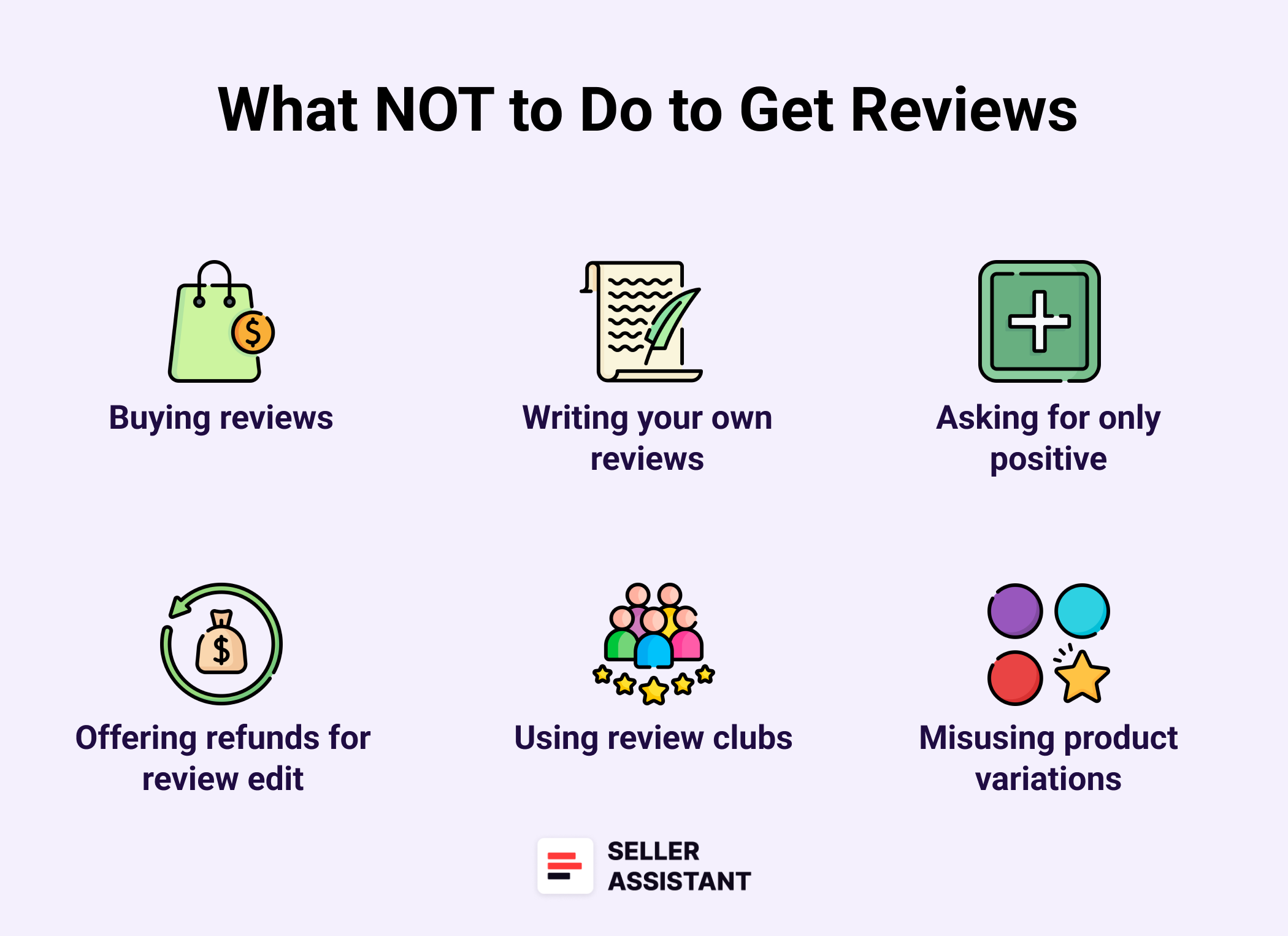
Don’t buy or incentivize reviews
This includes cash, refunds, gift cards, discounts, or even a “free product” in exchange for a review – whether directly or through a third-party site or social group. Amazon can and does detect these schemes.
Don’t write your own reviews – or get friends and employees to do it
Even if they’re genuinely excited about your product, this is a direct violation. Amazon’s systems are designed to detect relationships between accounts.
Don’t ask for only positive reviews
You can’t say things like “leave a 5-star review if you’re happy” or suggest people contact you directly if they’re unhappy. That’s review manipulation. All feedback – positive, neutral, or negative – must be encouraged equally.
Don’t offer refunds in exchange for review edits
It’s strictly prohibited to offer any kind of incentive for a customer to edit or remove their review. Amazon watches for this behavior, even in off-platform interactions.
Don’t use product inserts with shady language
Yes, inserts are allowed – but asking for a “positive” review or offering a reward for one is not. If it smells like a bribe, it probably is. Keep insert language neutral and compliant.
Don’t use review clubs or fake tester sites
Many so-called “review groups” are simply disguised manipulation networks. If the site requires customers to share their Amazon profile or proof of review, that’s a red flag.
Don’t misuse product variations to hijack reviews
Creating fake variations just to carry over positive reviews from another product is considered manipulation. It’s one of the most aggressive review violations Amazon penalizes.
Why this matters: Amazon’s enforcement is real
Amazon treats reviews as core to the customer experience. Violations – by you or anyone associated with your business – can lead to:
- Permanent loss of selling privileges
- Removal of all reviews
- Product delisting
- Public disclosure of your identity
- Legal action.
If it feels like a gray area, don’t risk it. Play it safe, and focus on long-term, ethical review-building strategies.
Related: How to Scale Amazon Business for Long-Term Success
Amazon 1P vs 3P: Differences, Pros & Cons for Sellers
What Actually Works to Get Amazon Reviews
So what can you actually do to get reviews – without breaking Amazon’s rules or putting your account at risk? Here are the real, seller-tested methods that work in 2025. They’re fully compliant, scalable, and – most importantly – used by sellers who are playing the long game.
.png)
What Experienced Sellers Know (That You Should Too)
Related: How to Analyze Supplier’s Wholesale Product Lists
How to Finance Your Amazon Business?
Best Amazon Price Tracking Software
Use Amazon’s “Request a Review” button
Every order gives you one clean shot to ask for a review using Amazon’s built-in button. It’s fast, approved, and hits both the product review and seller feedback request in one message. To access the “Request a Review” button, in your Seller Central, go to Orders > Manage Orders, find the order you want to get reviewed, open it, locate the “Request a Review” button, and click it.
Amazon’s “Request a Review” button
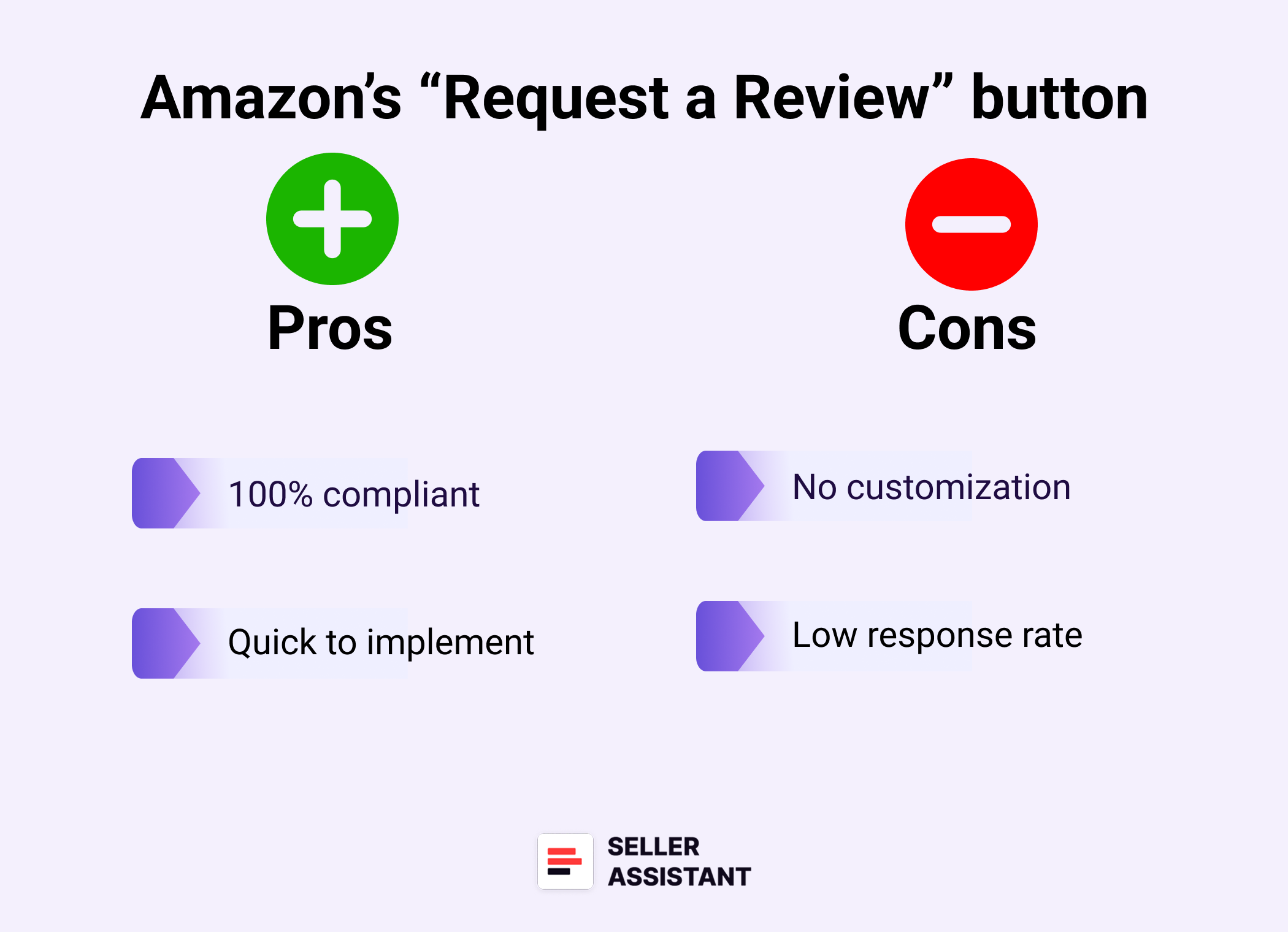
Pros
- 100% compliant
This is Amazon’s own tool, so there’s zero risk.
- Quick to implement
You can start using it right now in Seller Central.
Cons
- No customization
You can’t edit the message or add branding.
- Low response rate
It works – but not as powerfully as more personalized methods.
Source products with strong existing reviews (for resellers)
If you’re reselling products – whether through wholesale, online arbitrage, or dropshipping – you don’t need to build reviews from the ground up. Instead, you should focus on choosing products that already have strong review profiles and good ratings. The key is smart sourcing, not blind buying.
How to research review profiles and brand reputation
- Brand-level review insights
Use Seller Assistant’s Brand Analyzer to check brand reputation and risks.
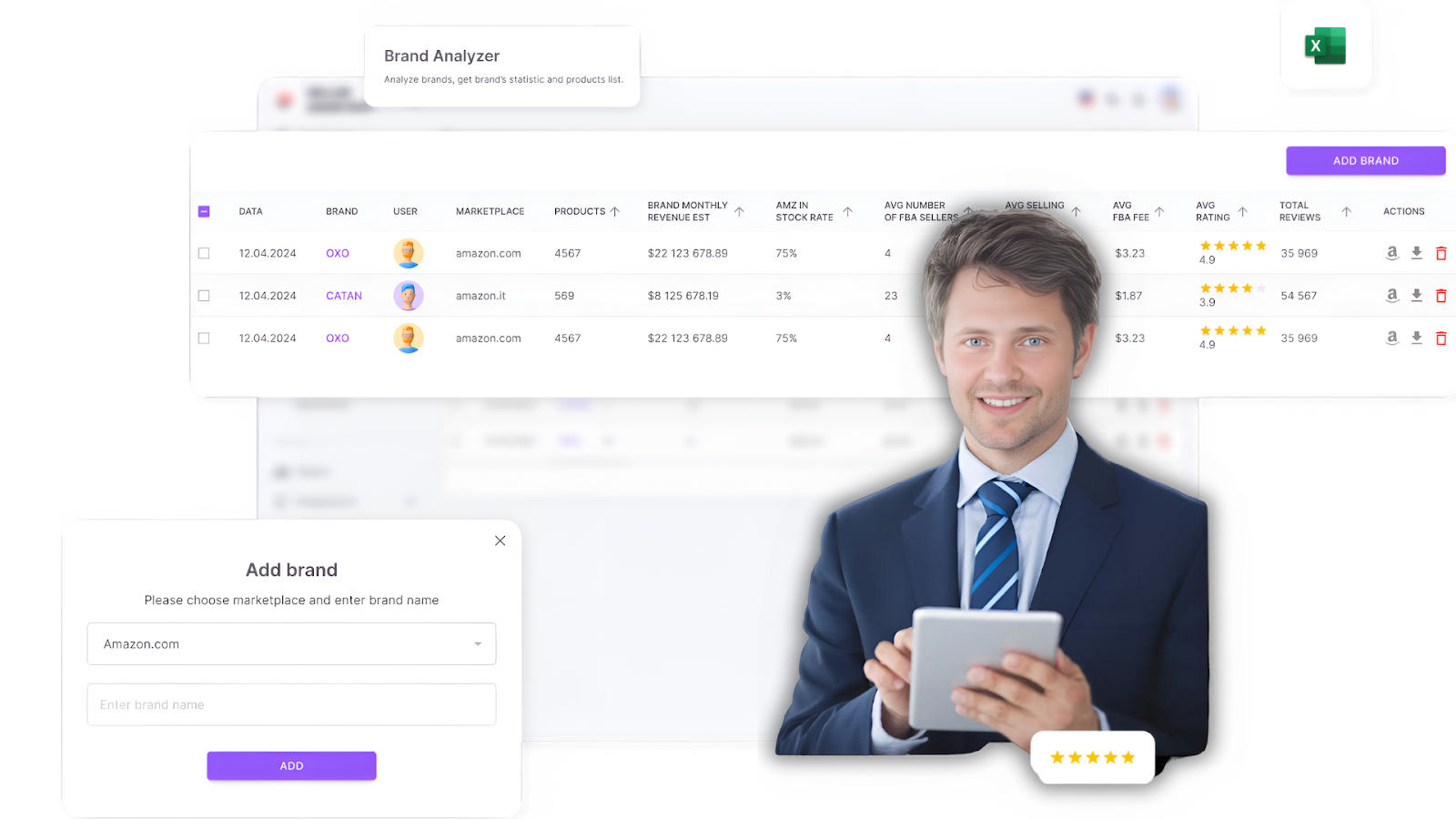
Seller Assistant’s Brand Analyzer
Related: Brand Analyzer by Seller Assistant
- Supplier list review checks
Upload wholesale price lists to Seller Assistant’s Price List Analyzer to preview average review ratings and risks at scale.
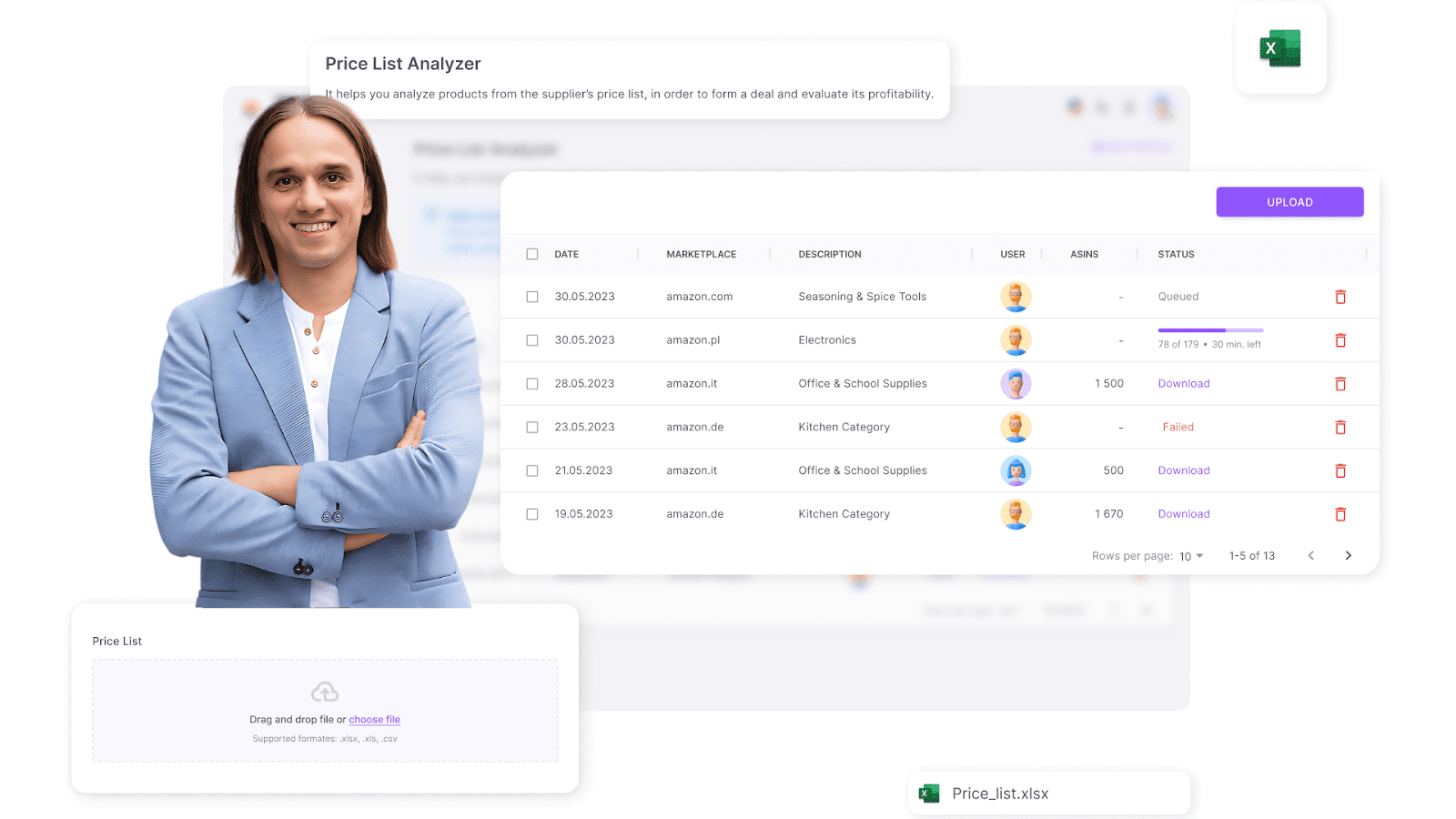
Price List Analyzer
Related: Price List Analyzer by Seller Assistant
- Single product deep dive
Use Seller Assistant Extension to view review counts, ratings, and alerts right on the Amazon listing.
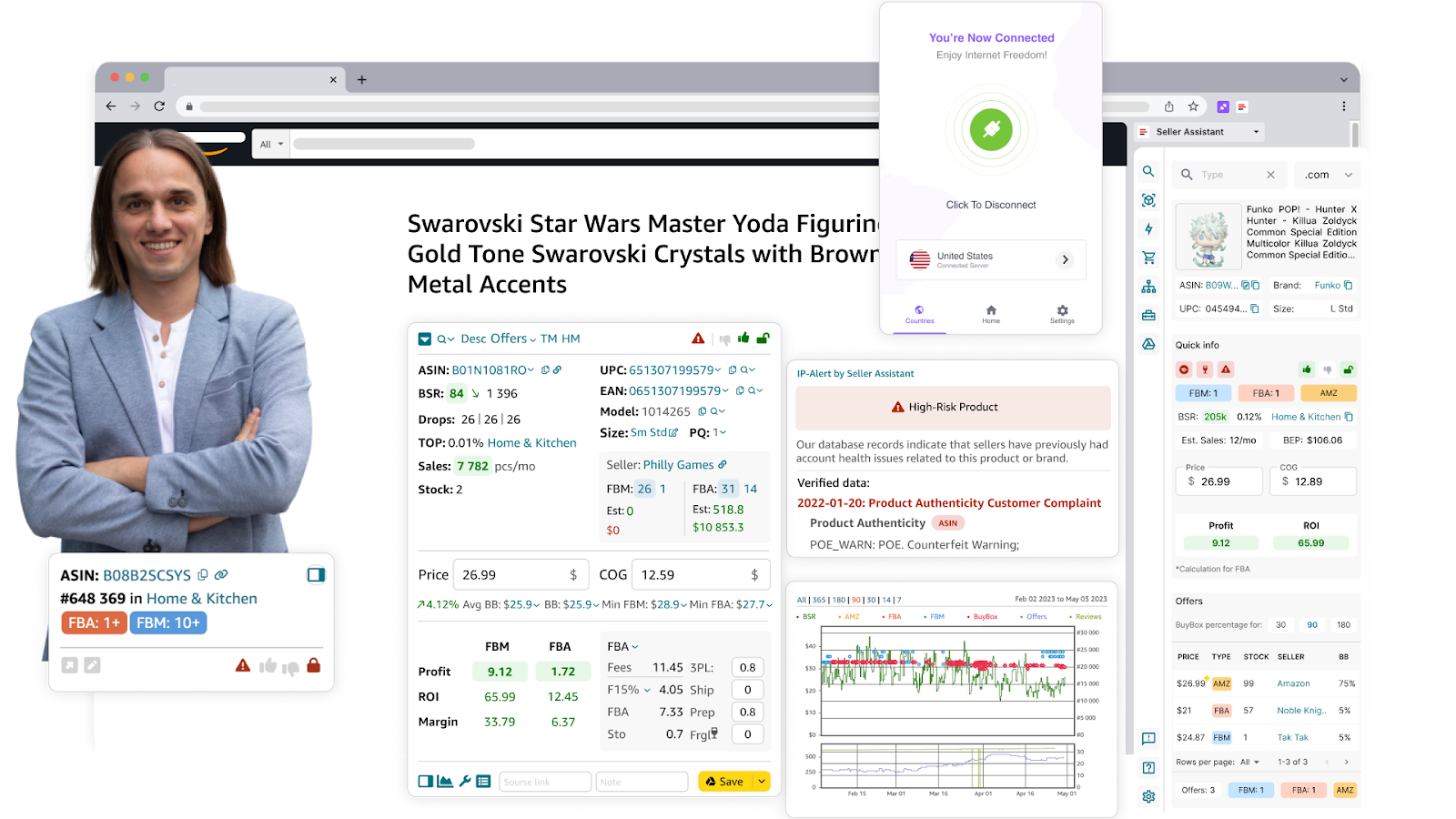
Seller Assistant Extension
Related: Seller Assistant Extension
.png)
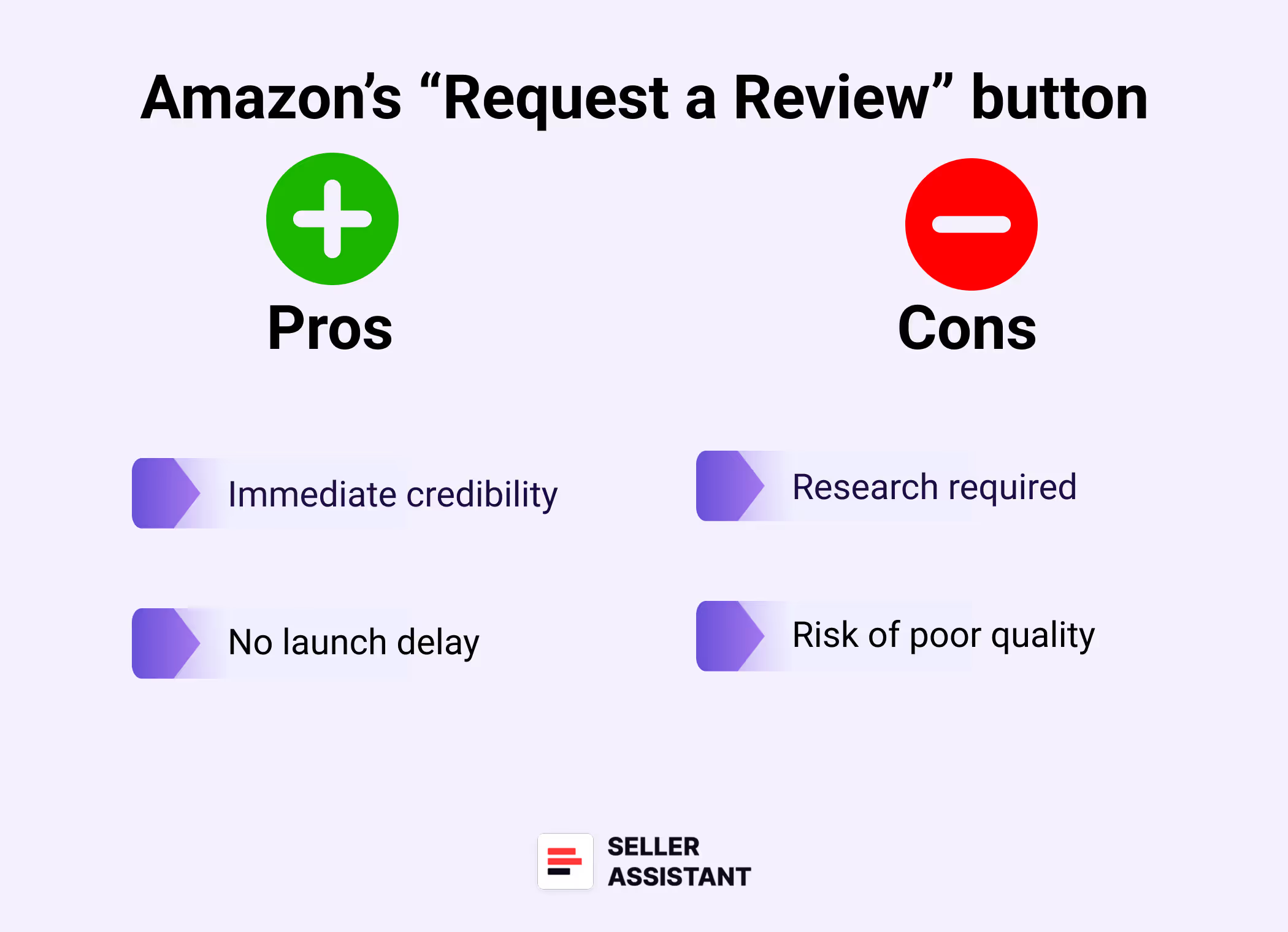
Amazon’s “Request a Review” button
Pros
- Immediate credibility
Products with great reviews convert better from day one.
- No launch delay
You skip the review-building phase entirely.
Cons
- Research required
Not all brands or listings are worth jumping on.
- Risk of poor quality
Products with hidden issues can still have high return rates or negative feedback.
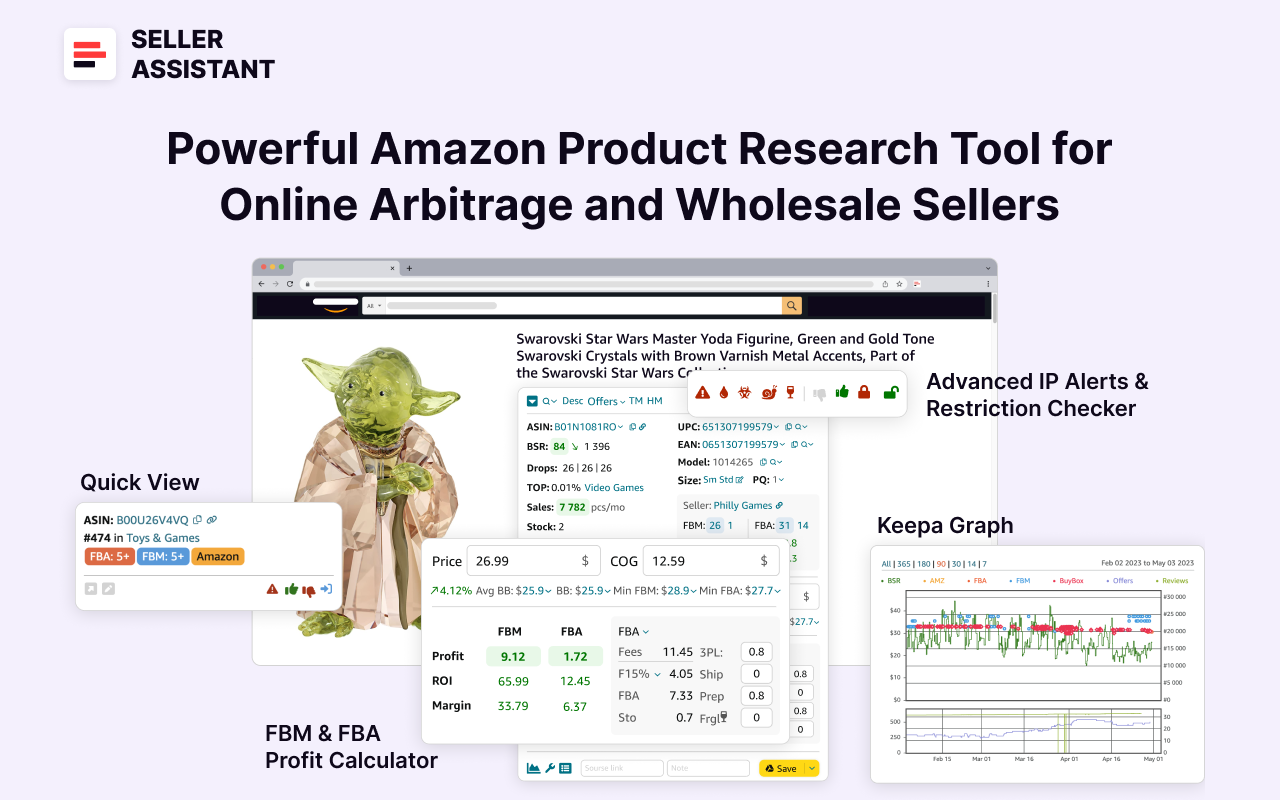
Seller Assistant
Related: How to Do Amazon Product Research with Seller Assistant Extension
The best Amazon Online Arbitrage Tool — Seller Assistant
Seller Assistant shows all essential product data on Amazon search, product, and inventory pages, on supplier websites, and your competitor storefronts to help you find high-margin deals. By using this FBA and FBM product sourcing software, you can easily identify products that have the potential to be sold well on Amazon.
Enroll in Amazon Vine
Vine is Amazon’s program that allows you to send your product to pre-approved Amazon reviewers in exchange for honest feedback. It’s available to brand-registered sellers and works best for new ASINs.
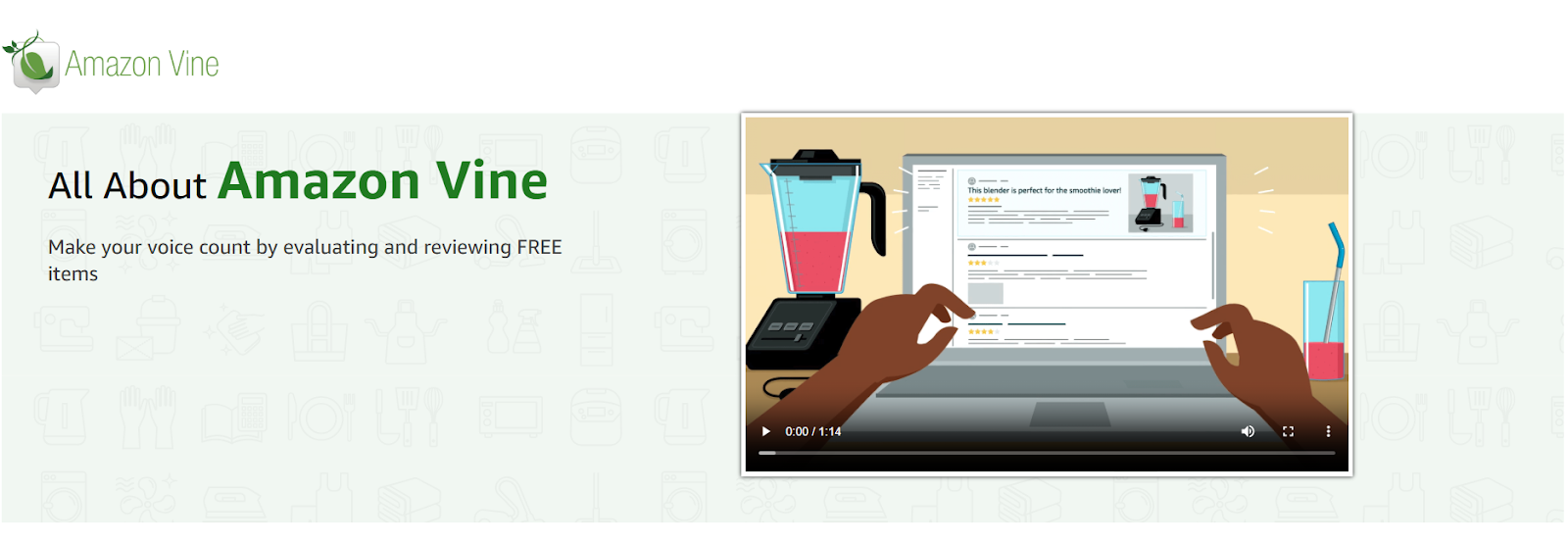
Amazon Vine
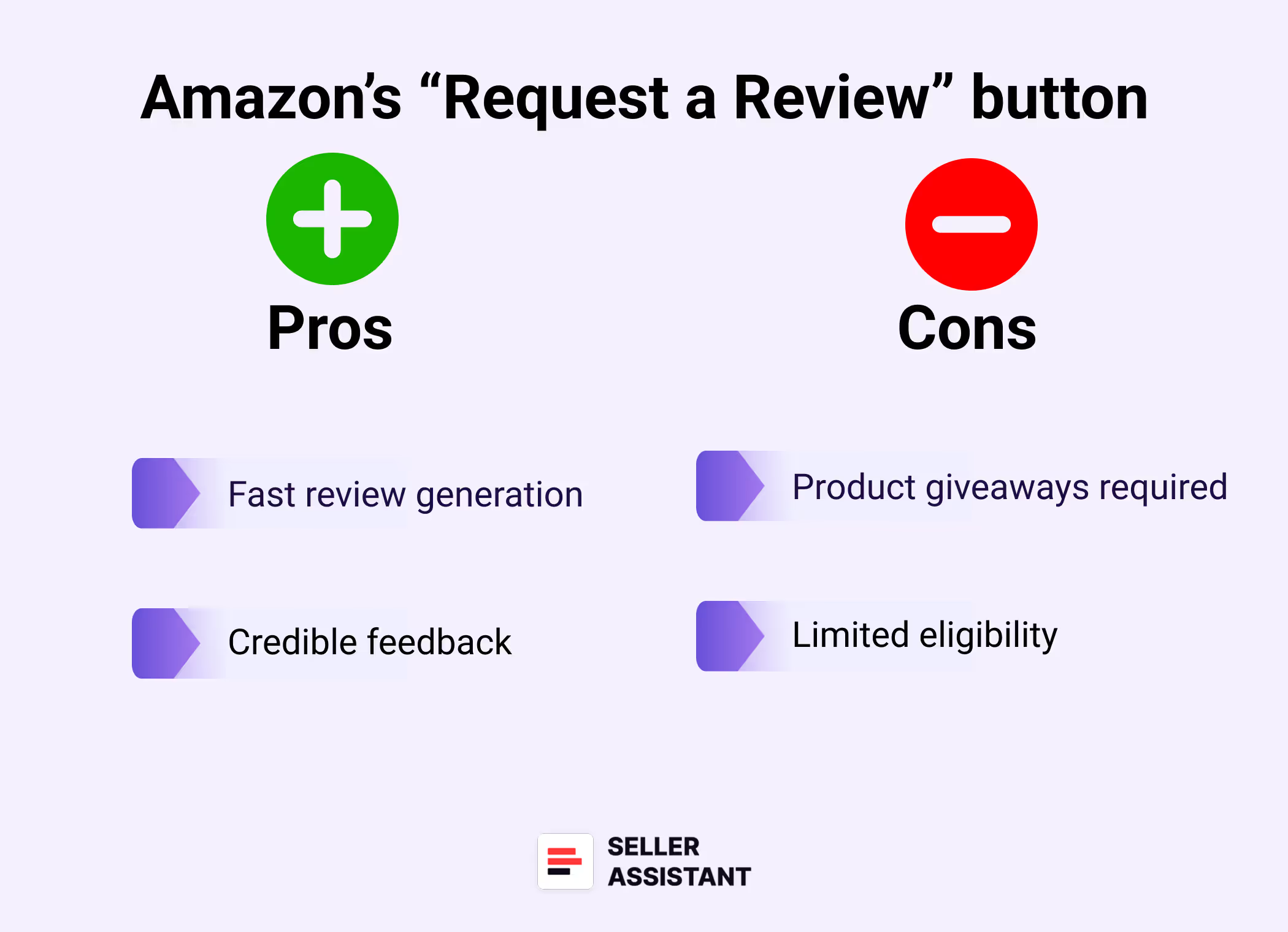
Pros
- Fast review generation
You can get reviews quickly, especially for new listings.
- Credible feedback
Reviews come from Amazon-vetted reviewers.
.png)
Amazon’s “Request a Review” button
Cons
- Product giveaways required
You provide the product for free.
- Limited eligibility
Only available to brand-registered sellers and specific SKUs.
Add a product insert (the right way)
Done right, a product insert is your one chance to say hello and ask for a review. The key? Stay compliant. Keep it friendly, not pushy.
.png)
Amazon’s “Request a Review” button
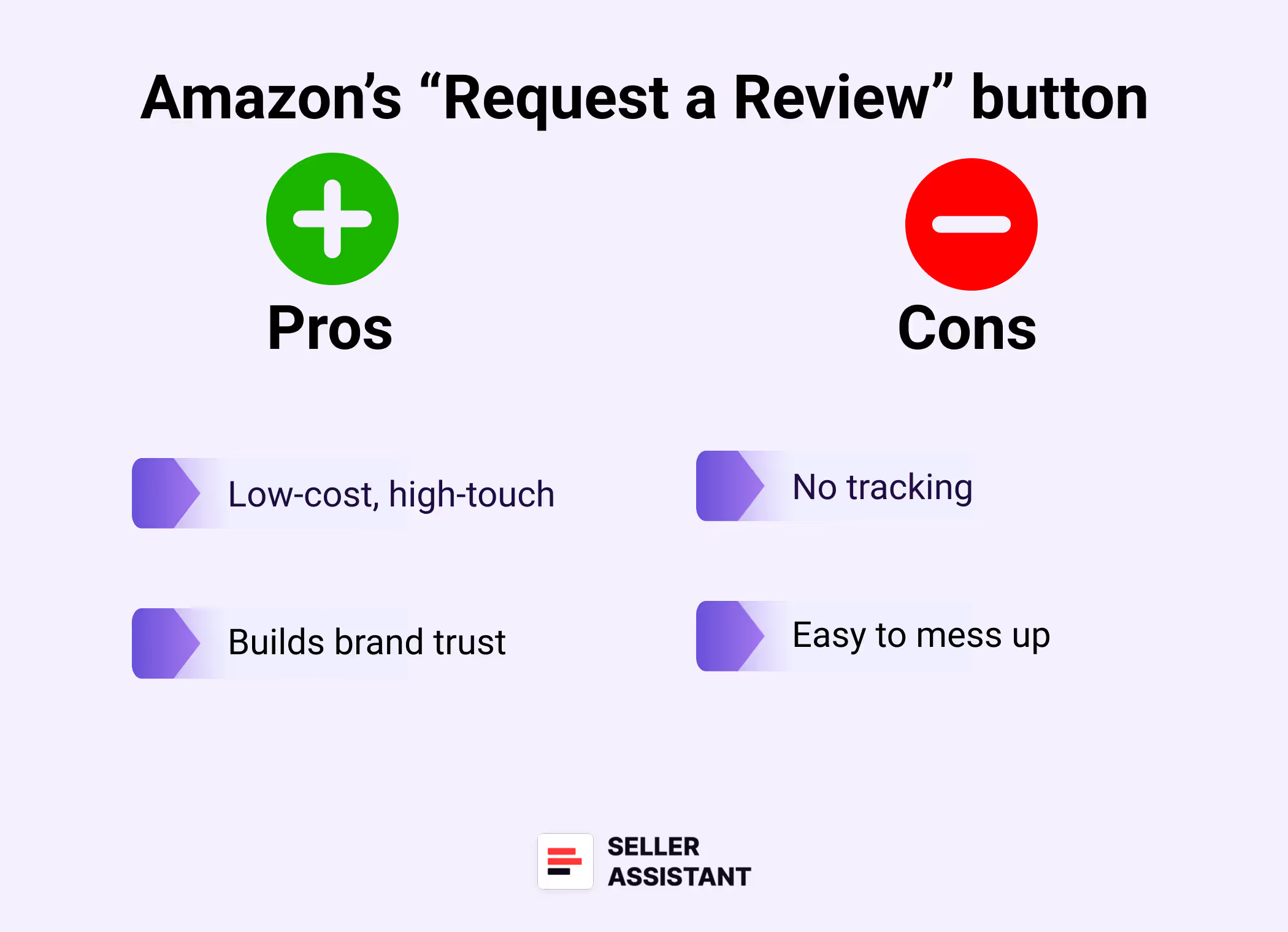
Pros
- Low-cost, high-touch
Easy to include and personalize at scale.
- Builds brand trust
Can enhance customer experience and encourage feedback.
Cons
- Easy to mess up
Asking for a “positive” review or offering a reward = violation.
- No tracking
You can’t measure direct impact unless paired with other tools.
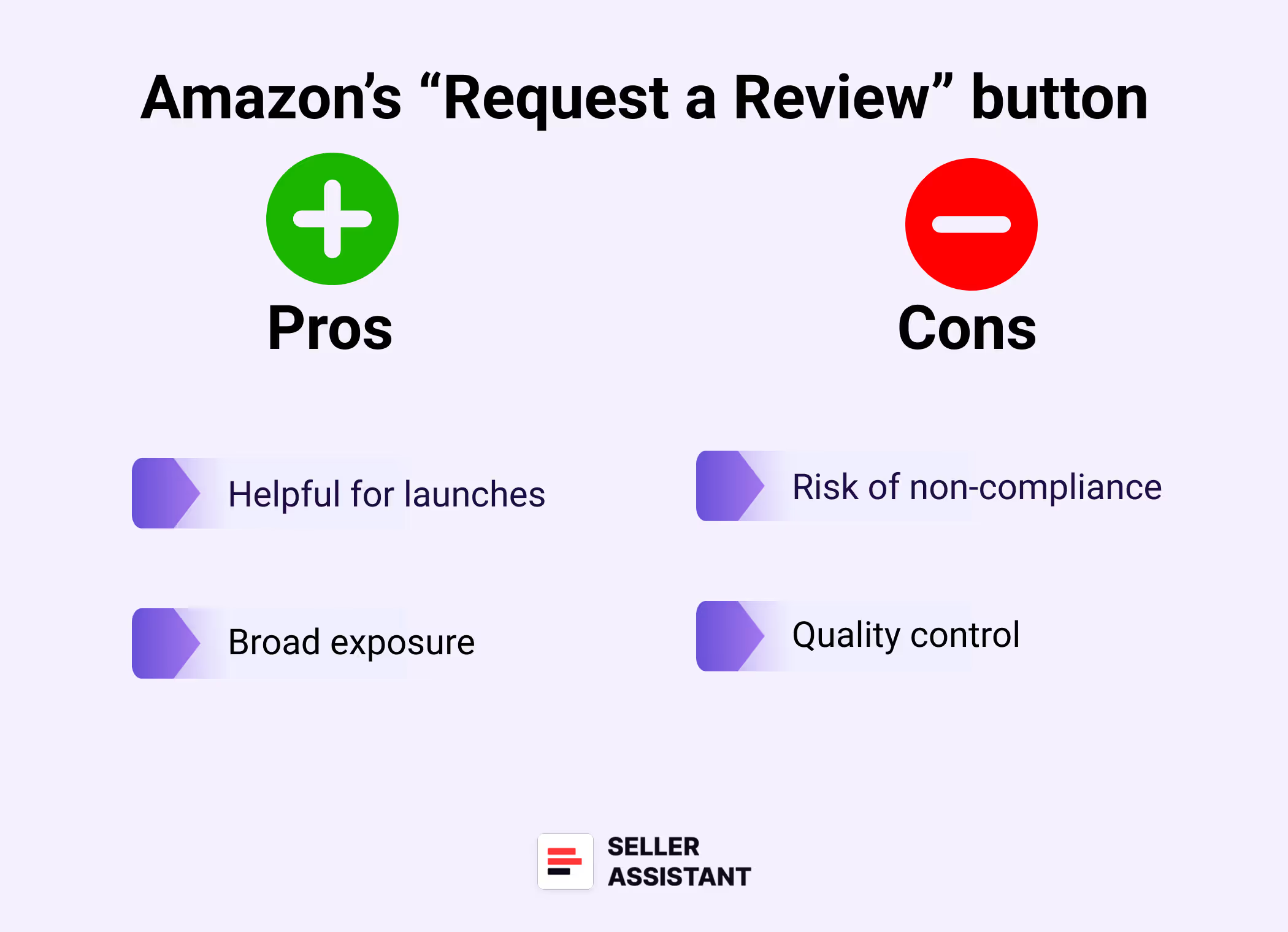
Use product tester sites (carefully)
These platforms connect sellers with buyers willing to try your product in exchange for honest feedback. It’s legal – if there’s no promise or requirement of a review in return. Use only platforms that clearly comply with Amazon’s rules.
Examples: Rebaid, Cashbackbase, ExtremeRebate
.png)
Amazon’s “Request a Review” button
Pros
- Helpful for launches
Gets products into buyers’ hands quickly.
- Broad exposure
Can generate reviews plus word-of-mouth.
Cons
- Risk of non-compliance
Many sites operate in legal gray zones.
- Quality control
Feedback can be shallow or generic.
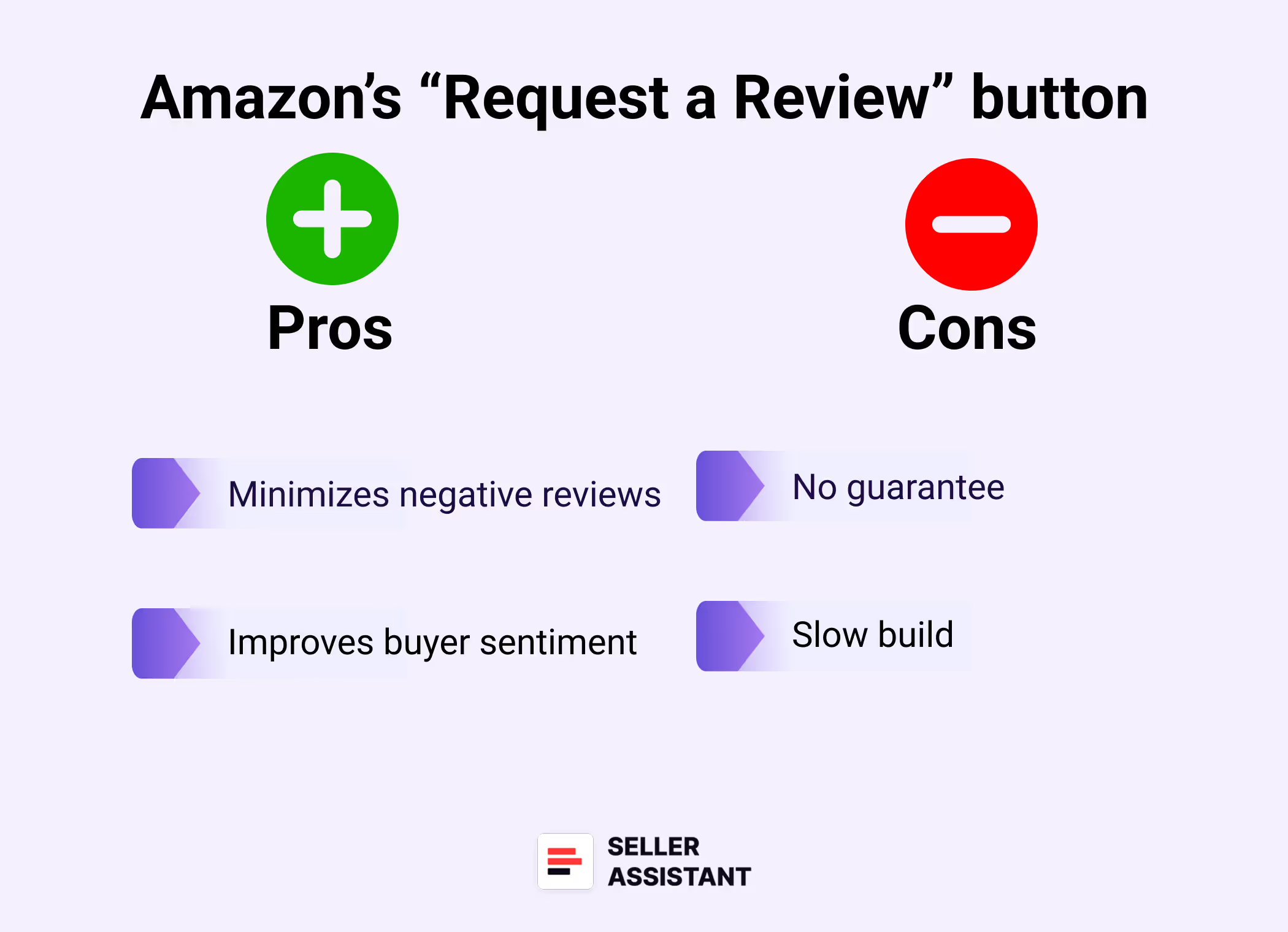
Give customers zero reasons to complain
The easiest way to earn a positive review? Deliver a five-star experience. Fast shipping, accurate listings, strong packaging, and good post-sale communication go a long way.
.png)
Amazon’s “Request a Review” button
Pros
- Minimizes negative reviews
Prevents dissatisfaction before it starts.
- Improves buyer sentiment
Happy customers are more likely to leave a review.
Cons
- No guarantee
Even great products can go unreviewed.
- Slow build
This strategy takes time and consistency.
Related: 5 Steps to Grow Your Amazon Online Arbitrage Business
Wholesale Price Lists: How to Scan for Wholesale FBA
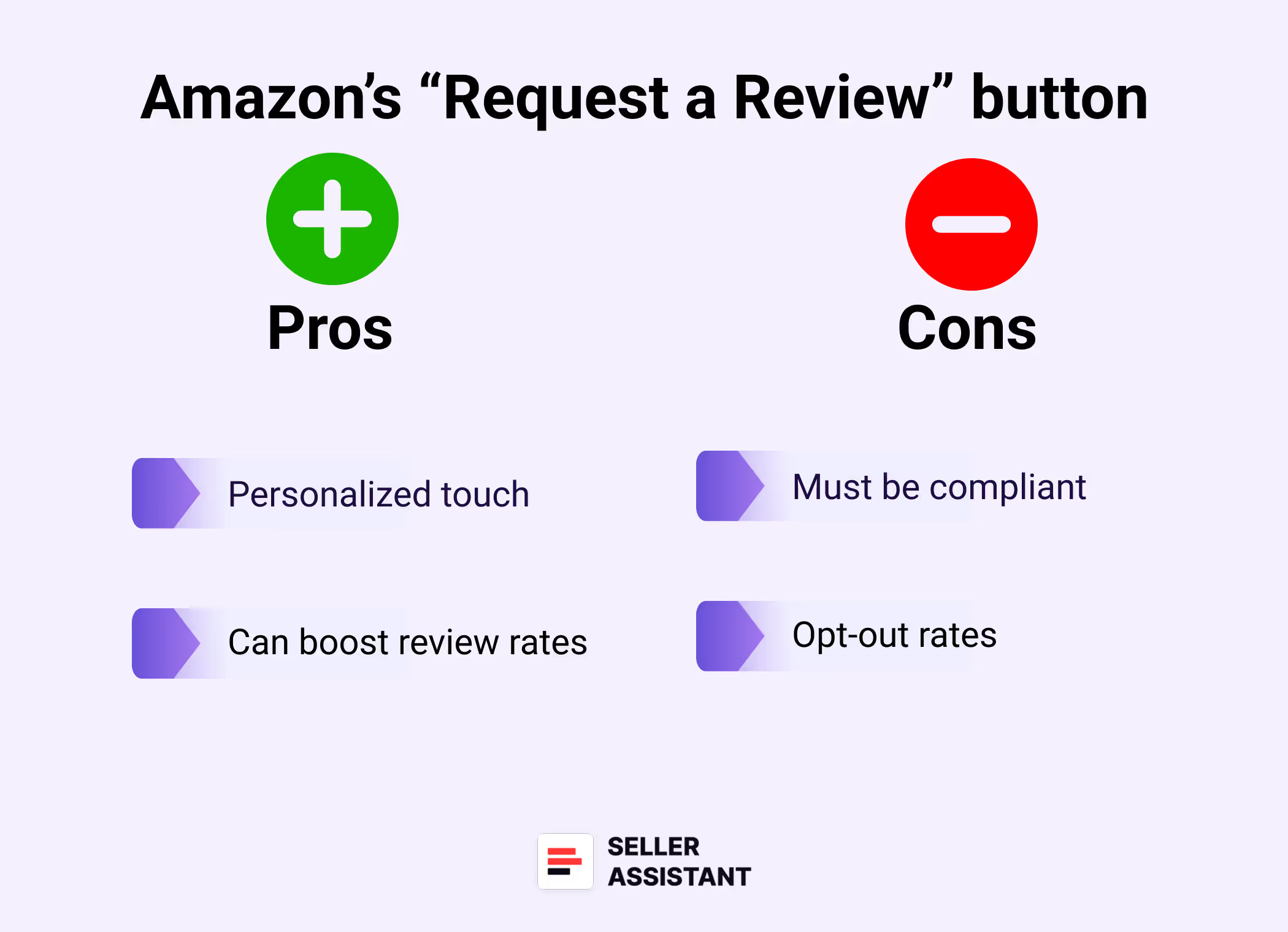
Master the follow-up email game (without being annoying)
Emailing customers post-purchase is allowed – as long as you follow Amazon’s guidelines. Keep your message helpful, short, and respectful of their inbox.
.png)
Amazon’s “Request a Review” button
Pros
- Personalized touch
Allows for branded communication.
- Can boost review rates
A timely, polite reminder can nudge buyers to leave a review.
Cons
- Must be compliant
Can’t ask for “positive” reviews or include incentives.
- Opt-out rates
Some buyers dislike follow-ups and may opt out of messaging entirely.
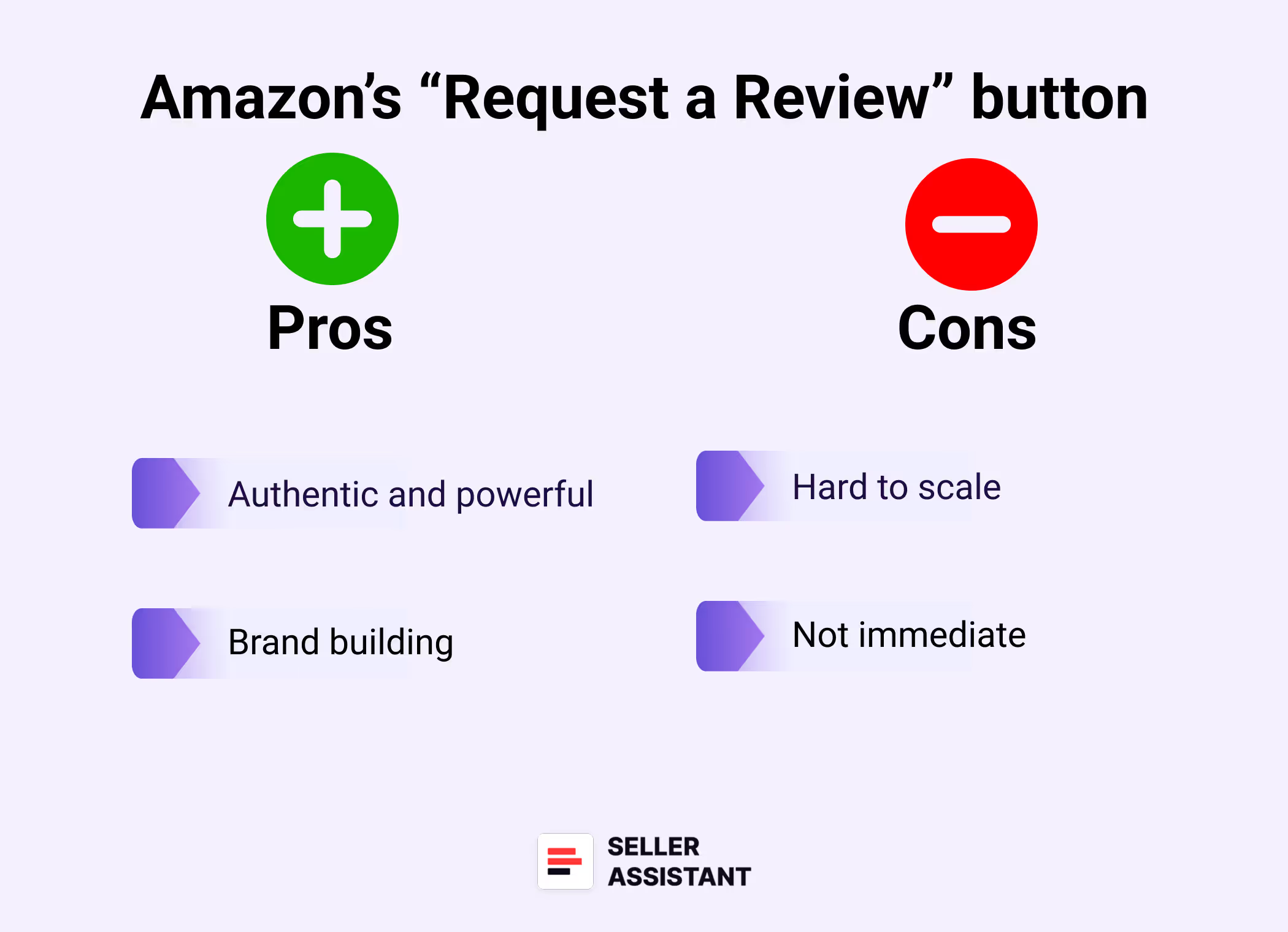
Leverage your superfans
Your most loyal customers already love your product – so ask them for a review. Encourage them (without incentives) to share their experience in detail.
.png)
Amazon’s “Request a Review” button
Pros
- Authentic and powerful
Reviews from real fans read more convincingly.
- Brand building
Turns buyers into advocates.
Cons
- Hard to scale
Relies on existing relationships.
- Not immediate
Takes time to identify and engage superfans.
Related: What Can I Sell on Amazon Without Approval?
Amazon Online Arbitrage: How to Make Money
Collaborate with influencers
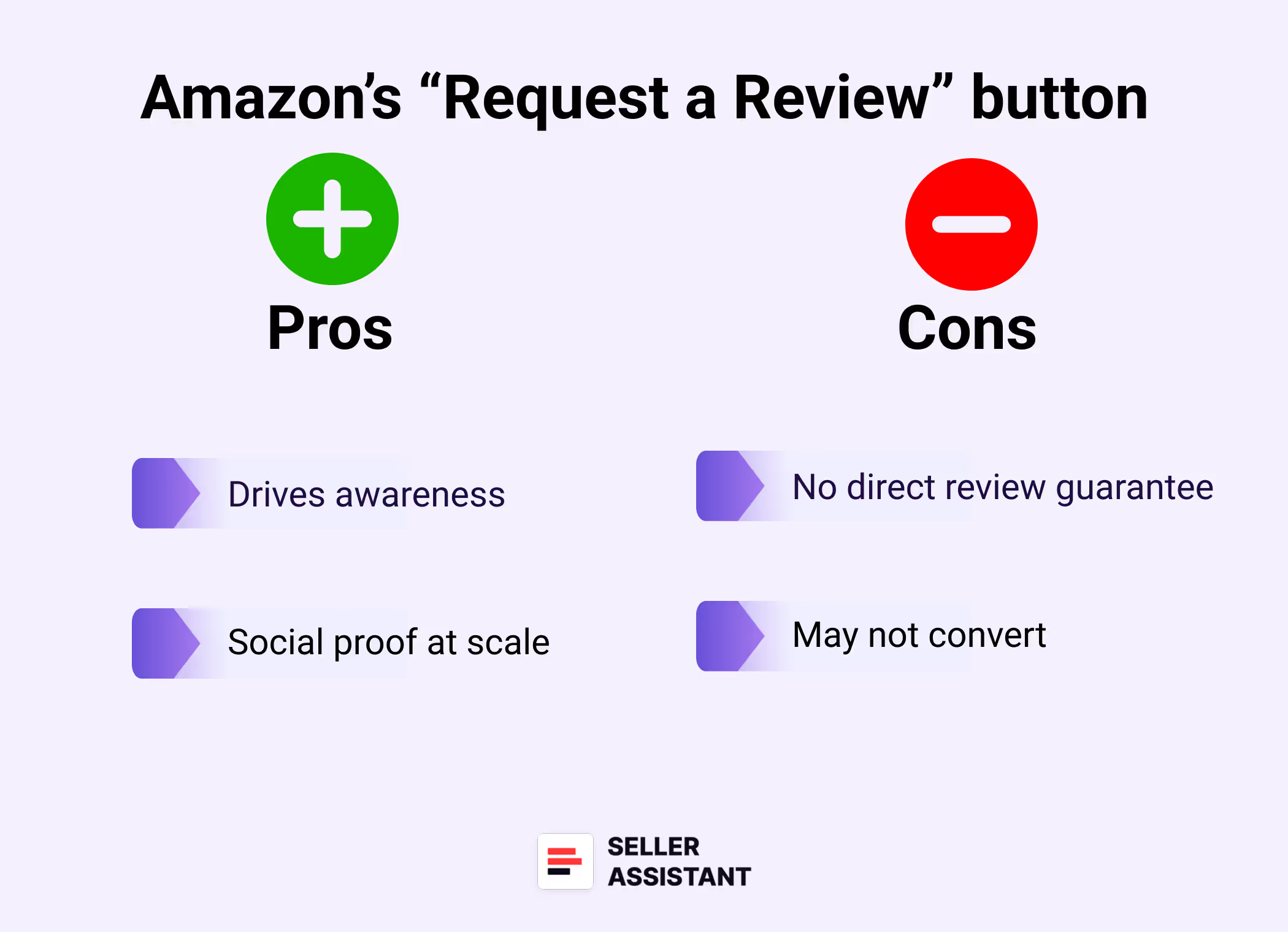
Influencers can’t be paid to leave Amazon reviews, but they can showcase your product to their audience, driving traffic and (eventually) organic reviews.
.png)
Amazon’s “Request a Review” button
Pros
- Drives awareness
Can kickstart exposure for new products.
- Social proof at scale
Builds trust outside of Amazon too.
Cons
- No direct review guarantee
You can’t ask them for Amazon reviews.
- May not convert
Follower count doesn’t always translate to reviews or sales.
How to Spot and Fight Black Hat Competitor Tactics
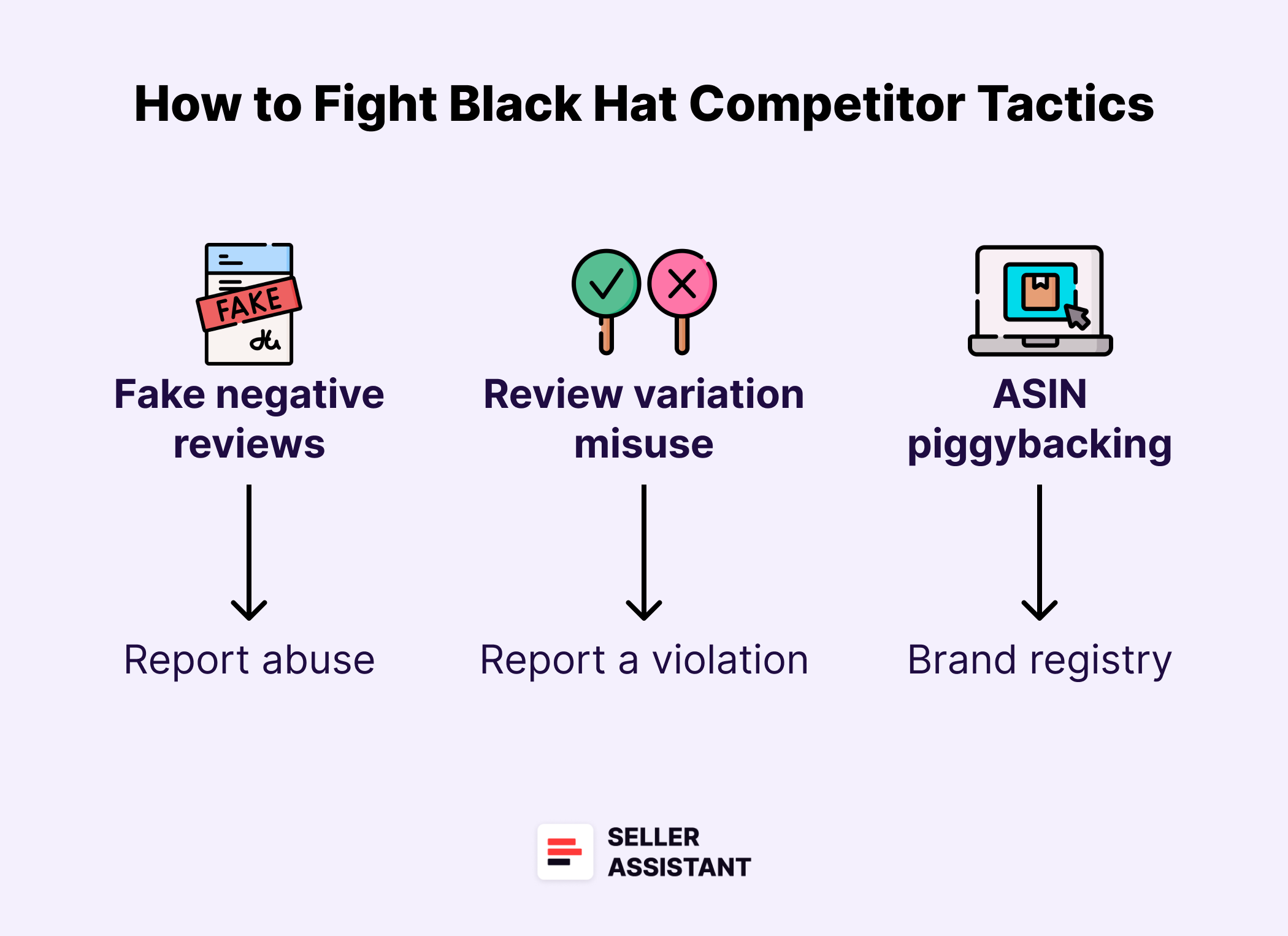
Amazon is competitive – and not everyone plays fair. Some sellers resort to black hat tactics to tank your listings or inflate their own. If your listing starts bleeding reviews or your rank suddenly drops for no reason, it might not be a coincidence. Here’s how to spot foul play – and how to fight back.
How to Spot and Fight Black Hat Competitor Tactics
Related: Seller Spy by Seller Assistant
Bulk Restriction Checker by Seller Assistant
Fake negative reviews out of nowhere
Suddenly seeing a spike in 1-star reviews with vague or generic language? That’s a red flag. These are often planted by competitors trying to sabotage your listing.
What to do
Report suspicious reviews through Seller Central > Account Health > “Report abuse.” If patterns persist, escalate through Amazon support with a detailed case.
Unusual product review hijacks
If your listing suddenly has reviews that don’t match your product (e.g., reviews for shoes showing up on your blender), you may be the victim of a listing hijack.
What to do
Check your ASIN variations and product detail edits. Submit a “Fix a product detail page” request to Amazon and document everything with screenshots.
Review merging or variation misuse
Some sellers bundle unrelated products together in a variation set to carry over positive reviews. It’s deceptive – and against Amazon’s rules.
What to do
Flag the competitor listing using “Report a violation” and specify that variation abuse is occurring. Amazon may remove the product or disband the variation set.
Malicious returns with internal damage
A shady tactic involves ordering your product, damaging it internally, and returning it to hurt your seller rating or cause restocking issues.
What to do
Track returns carefully. If abuse is suspected, open a support case with images and notes. You can also report repeat abusers through buyer feedback.
ASIN piggybacking
Unscrupulous sellers sometimes list counterfeit or low-quality versions of your product under your ASIN, then undercut your price and destroy your reviews.
What to do
Brand registry helps here. If you’re brand registered, file an IP infringement claim. If not, submit a counterfeit complaint via Amazon’s Report Infringement form.
What Experienced Sellers Know (That You Should Too)
Getting reviews isn’t just about one tool or tactic – it’s about mindset and long-term strategy. Experienced Amazon sellers don’t chase quick wins. Instead, they play the review game smart, patient, and with a clear focus on sustainable growth. Here’s what they’ve learned the hard way (so you don’t have to).
What Experienced Sellers Know (That You Should Too)
Related: Amazon Private Label vs Online Arbitrage – What is the difference?
Is Online Arbitrage Dead for New Sellers in 2025?
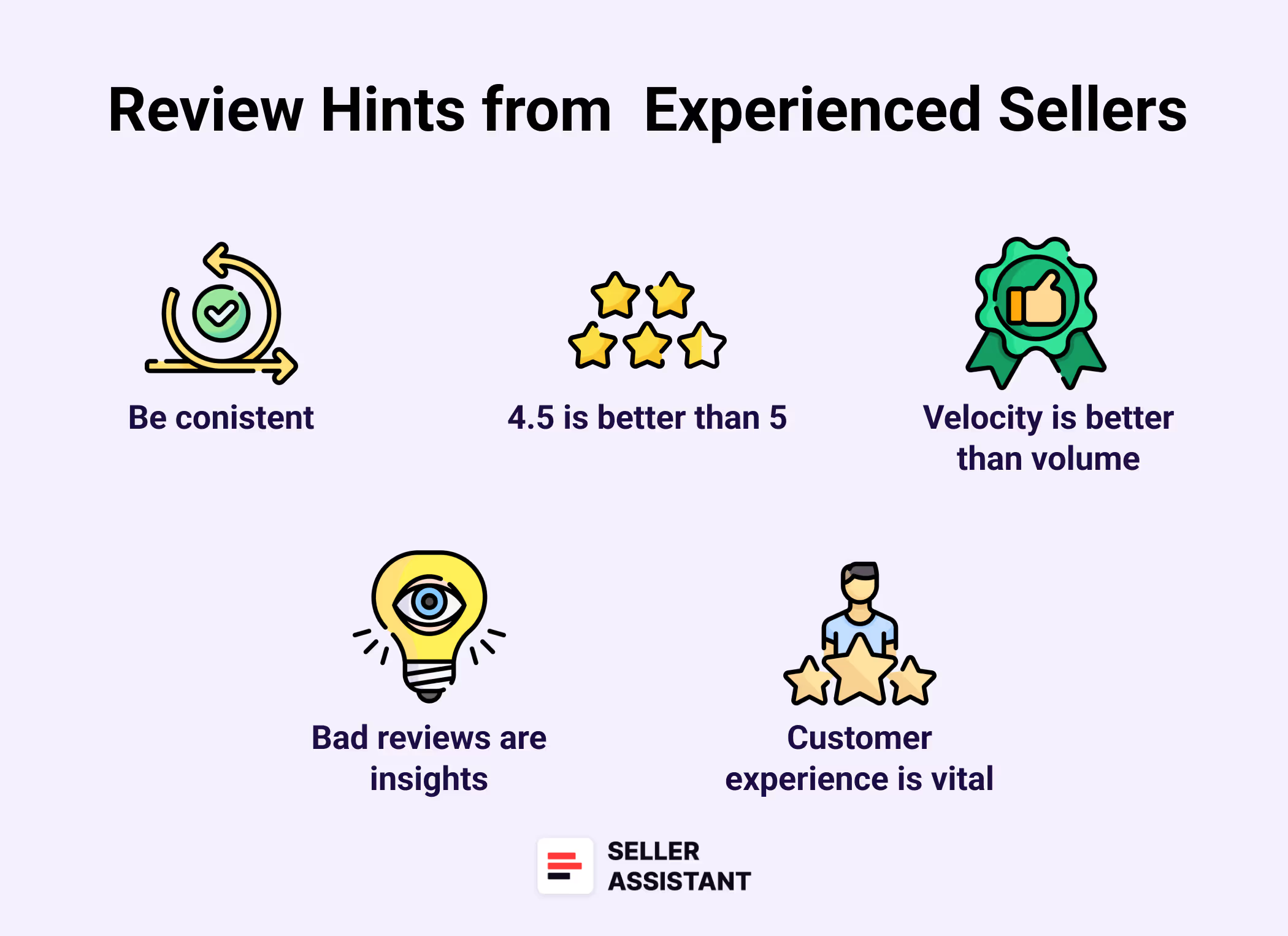
It’s not about perfection – it’s about consistency
You don’t need 5,000 reviews overnight. What matters is steady review growth. A product that gets a few honest reviews each week builds more trust over time than one that spikes and stalls.
A 4.5-star rating can outperform a perfect 5
Believe it or not, customers often trust a 4.5-star rating more than a perfect 5. Why? It feels more real. A product with slightly imperfect reviews signals authenticity and builds credibility.
Review velocity matters more than volume
Amazon’s algorithm rewards listings that keep earning reviews – not just those with a high total count. Stale listings, even with 1,000 reviews, can get buried in search.
Bad reviews aren’t the end – they’re insight
Veterans know not to panic over a negative review. Instead, they use it to improve product quality, listing clarity, or packaging. Every critical review is a free audit of your business.
The customer experience is the foundation
All the tricks in the world won’t save you if your product disappoints. Experienced sellers double down on product quality, accurate listings, and support – because that’s what drives organic reviews.
Related: Online Arbitrage for Beginners
What Сan I Sell to Make Money on Amazon?
FAQ
Can I ask buyers to leave a positive review?
No – you can only ask for an honest review, never a positive one. Amazon considers it a policy violation to steer or influence the tone of the feedback.
Are product inserts still allowed?
Yes, but the wording must be neutral and compliant. Asking for a review is fine – asking for a 5-star review or offering an incentive is not.
What’s the best review method for new sellers?
Use Amazon’s “Request a Review” button and enroll in Vine if you’re brand-registered. These are low-risk, effective ways to get early traction.
What do I do if I get fake negative reviews?
Report them through Amazon’s “Report abuse” feature in Seller Central. Gather screenshots and order IDs to support your case.
How many reviews do I need before my product starts selling?
There’s no magic number, but 5–10 reviews can help you get out of the “zero-review” zone. Beyond that, focus on consistent growth and delivering great experiences.
Final Thoughts
Getting reviews on Amazon isn’t about hacks or shortcuts – it’s about consistency, customer experience, and staying 100% compliant. Whether you’re launching your first private label product or managing a full reseller catalog, the key is playing the long game and building real trust.
For resellers – especially wholesale, dropshipping, and online arbitrage sellers – reviews already exist, and the real skill lies in choosing the right products. That’s where tools like Seller Assistant’s Brand Analyzer, Price List Analyzer, and Seller Assistant Extension help you spot review-rich products and avoid risky listings before you invest.

